







CSIR NET 2026 Exam Center Guidelines, Rules and Dress Code
CSIR NET 2026 admit card has three pages, detailing center information, instructions, and a specific declaration form. Crucially, reach by 7:00 AM as the gate closes sharply at 8:30 AM. Carry the printed admit card, an original valid photo ID, and two identical passport-sized photographs. Prohibited items include mobile phones, physical calculators, watches, and jewelry. Ensure biometric verification and on-screen detail confirmation.
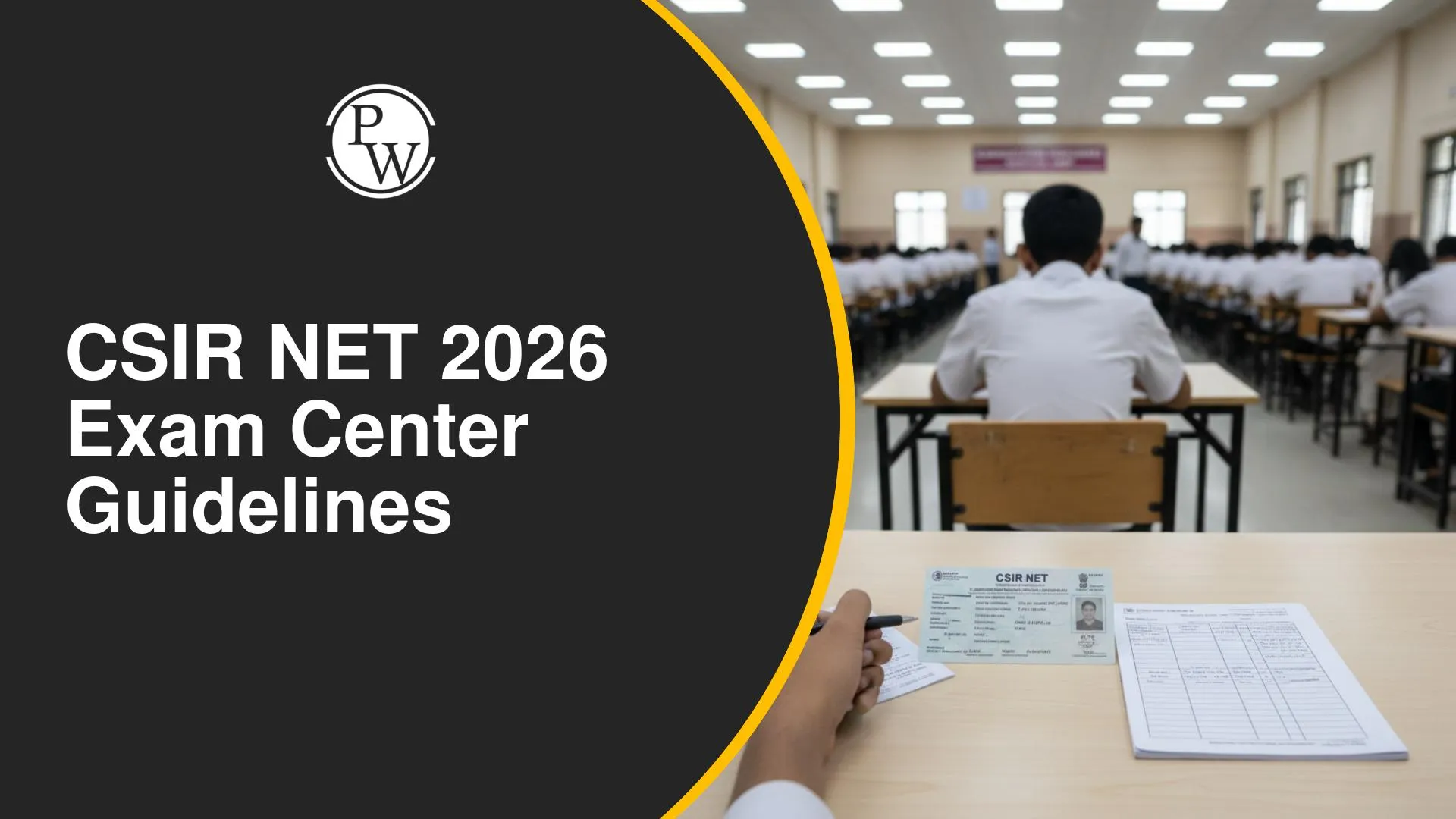
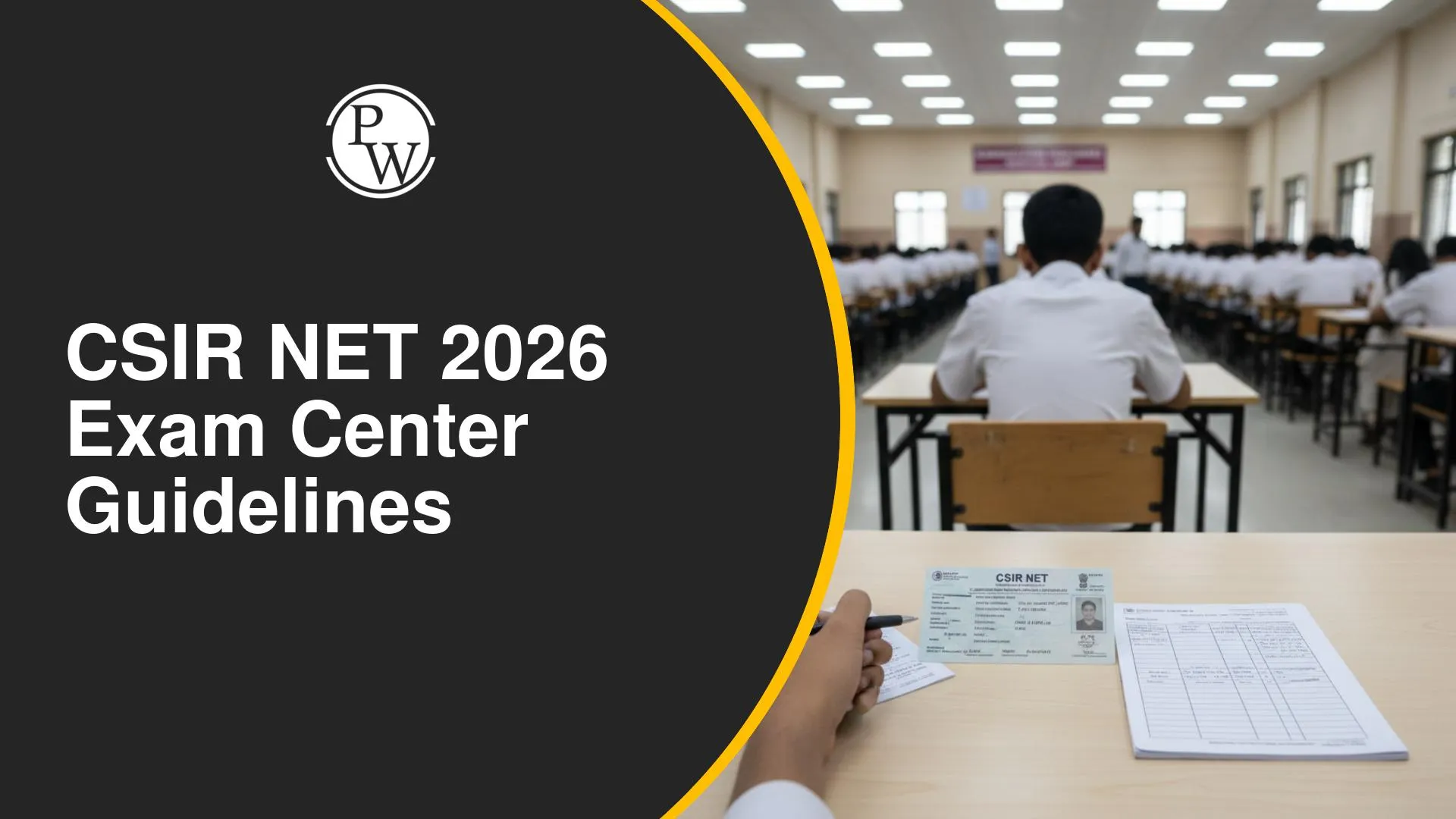
Understanding the instructions on your CSIR NET 2026 Admit Card 2026 is crucial for a smooth exam day. This guide covers essential information regarding critical timings, mandatory items, permitted and prohibited articles, and important forms to complete. Adhering to these guidelines helps prevent last-minute issues and ensures candidates can focus entirely on their examination.
CSIR NET 2026 Admit Card Instructions and Timings
The admit card is divided into three pages, each serving a distinct purpose for the examination day.
-
Page 1: Center Details
-
This page displays key candidate information such as name, roll number, registration number, and the designated exam center.
-
Key information includes the Reporting Time, which is 7:00 AM. Candidates are strongly advised to arrive 10-15 minutes earlier to allow for potential delays.
-
The Gate Closing Time is 8:30 AM. Entry will be strictly prohibited after this time.
-
The Time of Test is also mentioned.
-
The Self-Declaration Form is located beneath the center details.
-
Page 2: Instructions
-
This page outlines comprehensive guidelines for the exam day, detailing rules and regulations for candidates.
General CSIR NET 2026 Exam Day Rules and Regulations
Candidates must reach the center at the time as indicated on the admit card against Reporting or Entry Time.
-
Verify the subject mentioned on your admit card.
-
No candidate shall be permitted to enter the exam center after the gate closing time of 8:30 AM.
-
No candidate shall be permitted to leave the examination room before the completion of the entire 3-hour exam duration.
-
PwD/PwBD candidates will receive an extra 20 minutes per hour of the exam.
Mandatory Items to Carry
Candidates must carry the following items:
-
Admit Card Printout: A clear printed copy of the downloaded admit card.
-
Original Valid ID Proof: (Details below)
-
Two Passport-Sized Photographs: These must be exactly the same photograph as uploaded during the application form submission.
Permitted Items & Valid Photo ID Proofs
In addition to mandatory items, candidates are permitted to carry:
-
Personal Transparent Water Bottle: All stickers must be removed from the bottle.
Accepted Valid Photo ID Proofs (Original Only):
-
PAN Card
-
Driving License
-
Voter ID
-
Passport
-
Aadhaar Card with Photograph: The photograph must be current and match your appearance. Aadhaar cards without a photograph are invalid.
-
E-Aadhaar Card
Note: No other forms of ID are considered valid. The ID proof must be the original; photocopies are not accepted.
Prohibited Items
Candidates are strictly not allowed to carry the following items:
-
Mobile Phones or any other electronic devices.
-
Pens: Pens will be provided at the exam center.
-
Calculators: No physical calculators are allowed; a virtual calculator will be available on the screen.
-
Watches (including wristwatches): A digital timer will be displayed on the exam screen.
-
Jewelry: This includes earrings, rings, chains, bracelets, etc., regardless of the material. Candidates should remove them as a precaution.
-
Any other metal items.
Dress Code
Candidates are advised to wear light clothing.
Prohibited Attire:
-
Footwear with thick soles, high heels, or wedges. Only thin-soled shoes or sandals are permitted.
-
Garments with large buttons. Simple T-shirts, tops, lowers, or jeans without prominent buttons are recommended.
Provided Exam Materials
The following materials will be provided at the exam center:
-
Rough Sheets: A4-sized rough sheets will be provided. Candidates must write their Name and Roll Number on these sheets.
-
Pens: Pens will be provided by the center.
-
Virtual Calculator: A virtual calculator will be accessible on the computer screen during the exam.
Self-Declaration Form (Page 1)
The Self-Declaration Form on the first page of the admit card must be filled before reaching the exam center, with the exception of a specific section to be completed in the hall.
-
Fill your Name and Residential Address.
-
Paste the exact same photograph that was uploaded during the application process.
-
Affix your Left-Hand Thumb Impression.
-
A designated section of the form is to be completed in the exam hall, in front of the invigilator. This part should not be filled at home.
Biometrics and On-Screen Verification
-
Biometric Verification: Ensure your biometric verification is successfully completed upon entry to the center.
-
On-Screen Details Verification: Before beginning the exam, cross-verify all details displayed on the screen when you log in. This includes your photo, name, roll number, application number, and subject.
-
If any discrepancies are found (e.g., incorrect subject), immediately inform the invigilator.
-
Do not proceed without verifying these crucial details.
Declaration Form for Non-Aadhaar Candidates (Page 3)
This third page is only for specific candidates and should not be filled by everyone.
Conditions for filling this form:
-
The candidate does not possess an Aadhaar Card.
-
The candidate's Aadhaar Card was not verified during the application process.
-
The photograph on the Aadhaar Card does not match the one uploaded in the application form.
If any of these conditions apply, candidates must fill this form.
Details to be filled in the form:
-
Father's Name
-
Mother's Name
-
Select the reason for declaration, choosing from:
-
Blank Image Uploaded in the application form.
-
Poor Quality Image uploaded (photo does not match).
-
Incorrect Image uploaded.
-
Candidate Name
-
Roll Number
-
Application Number
-
Government ID Proof (type of ID being presented)
-
Government ID Number (of the presented ID)
-
Shift Number (e.g., Shift 1 or Shift 2)
-
Date of Exam
-
Signature of Candidate
The section below these details is reserved for NTA officials/invigilators.
CSIR NET 2026 Exam Center Guidelines FAQs
What are the critical timings for reporting to the CSIR NET exam center?
What mandatory items must I carry to the exam center?
Which photo ID proofs are accepted at the exam center?
When should the Self-Declaration Form on the admit card be filled?






Get Free Counselling Today
and Clear up all your Doubts
 Online Classes for CSIR NET Exams.Learn from PW's Educators through Live Lectures.Live & Recorded Classes are available at ease.Lectures are available in Hinglish (Hindi and English mix).Get access to Study Materials, Notes & Mock Tests.

