








Documents Required to Fill CSIR NET December 2026 Application Form, Check Full Details
Documents Required to Fill CSIR NET December 2026 Application Form include a scanned passport photograph, signature, qualifying degree mark sheets, and category certificates. The application form must follow specific file dimensions, such as 10–200 KB for photos and 4–30 KB for signatures, in JPG/JPEG format.

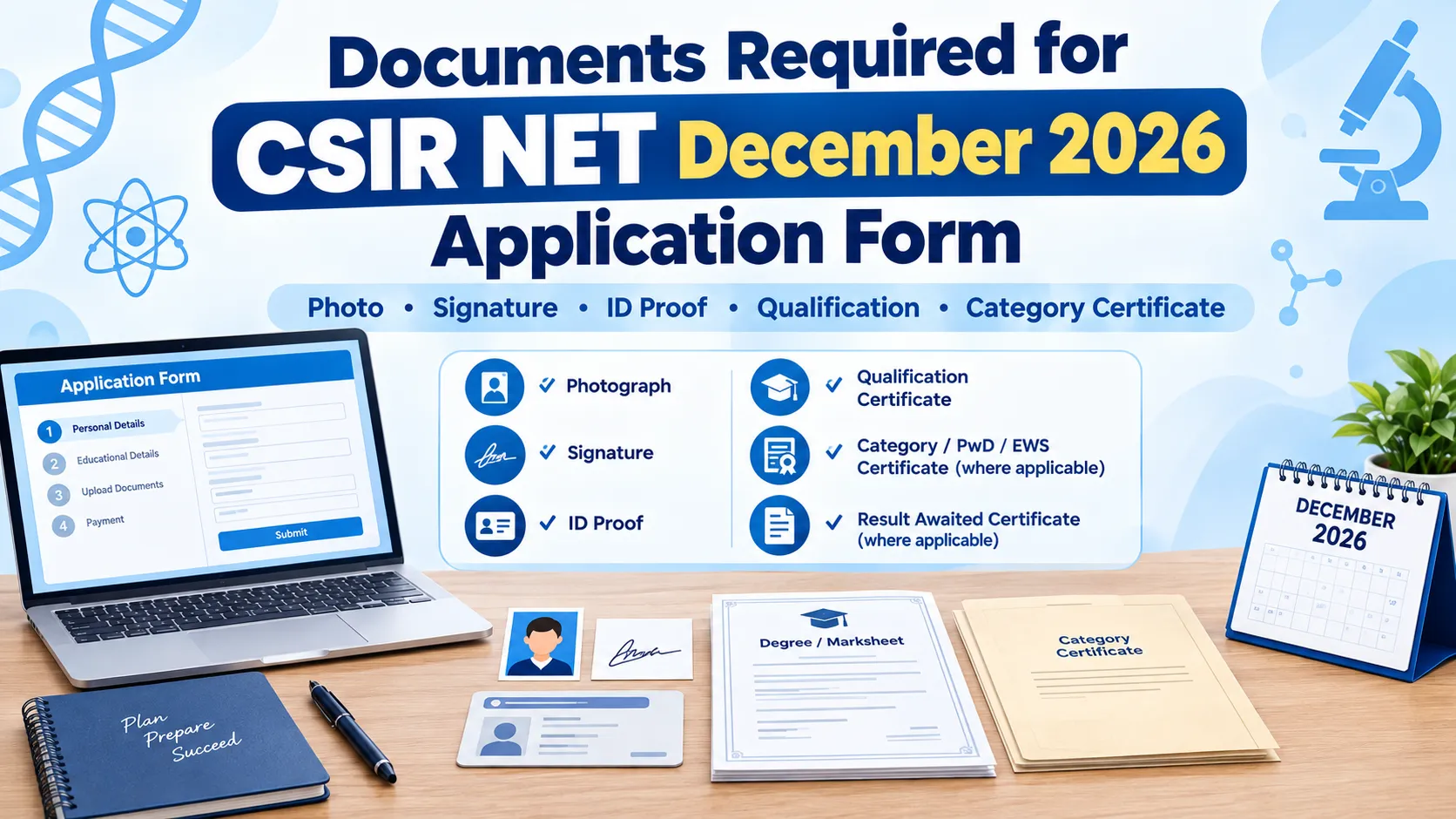
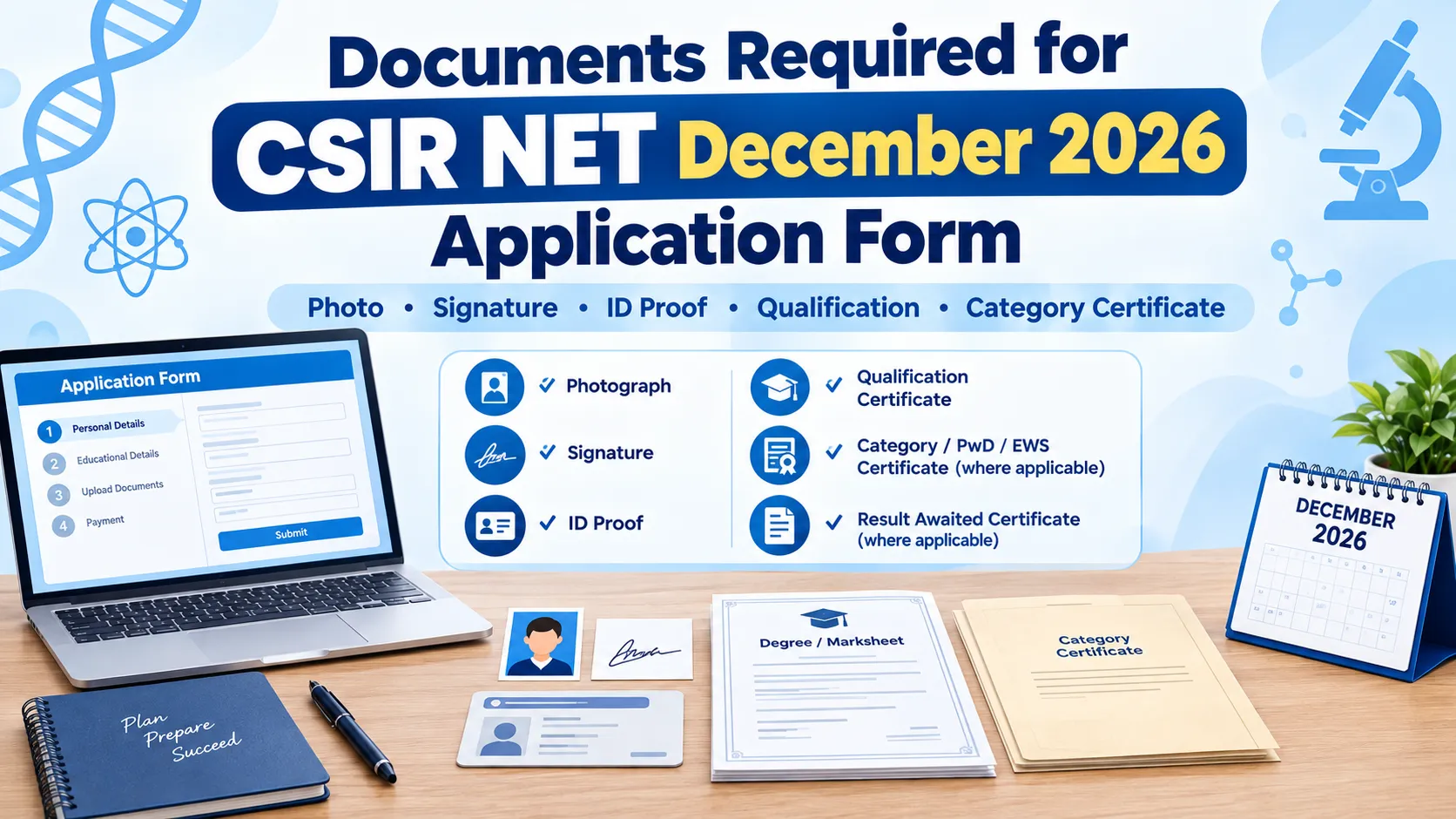
Documents Required to Fill CSIR NET December 2026 Application Form: The National Testing Agency (NTA) has officially published the information bulletin and opened the online application portal for the Joint CSIR-UGC NET December 2026 examination. Candidates aiming for Junior Research Fellowship (JRF) or Assistant Professorship (Lectureship) across Chemical, Earth, Life, Mathematical, and Physical Sciences must complete their registration on the official portal. Having all Documents Required to Fill CSIR NET December 2026 Application Form scanned, properly formatted, and saved on your system before beginning the registration process prevents session timeouts and upload failures.
Documents Required to Fill CSIR NET December 2026 Application Form
The National Testing Agency requires candidates to upload clear, legible copies of personal identity proofs, passport photographs, signature files, and category credentials during the online application process. The application portal opened on October 07, 2026, and candidates can complete registration and document upload until November 05, 2026.
| Documents Required to Fill CSIR NET December 2026 Application Form Overview | |
| Feature / Requirement | Specifications & Official Guidelines |
| Exam Conducting Body | National Testing Agency (NTA) on behalf of CSIR |
| Registration Period | October 07, 2026 – November 05, 2026 |
| Primary Document Formats | JPG/JPEG for Image Files, PDF for Certificates |
| Photo Background Rule | White background with 80% face visibility (without mask) |
| Official Application Website | csirnet.nta.nic.in |
Complete List of Documents Required for CSIR NET December 2026
Before filling out the online form, gather the following primary documents to ensure smooth registration:
-
Valid Photo ID Proof: Government-issued identity document such as Aadhaar Card, PAN Card, Voter ID, Passport, Driving License, or Ration Card with photograph.
-
Scanned Recent Passport Photograph: Clear photograph showing 80% face coverage against a light or white background.
-
Scanned Candidate Signature: Signature done on clean white paper using black or blue ink.
-
Class 10th Certificate / Board Mark Sheet: Serves as official proof of candidate name and Date of Birth (DOB).
-
Qualifying Degree Mark Sheets & Certificates: Master's degree (M.Sc., B.S.-M.S., M.Tech, MBBS, B.Pharm) mark sheets or provisional passing certificate.
-
Result Awaited Certificate: Declaration form signed by the Head of Department/Institute for candidates currently appearing in their final year/semester of postgraduate degree.
-
Category Certificate (If Applicable): Valid SC, ST, OBC (Non-Creamy Layer), or Gen-EWS certificate issued by a competent authority.
-
PwD / PwBD Disability Certificate: Issued by an authorised medical board for candidates claiming disability reservation or scribe assistance.
CSIR NET Application Form 2026 Documents File Size and Format
Uploading files with incorrect pixel dimensions or exceeding file size limits will cause upload errors on the portal. Make sure your digital scans meet these exact parameters:
| CSIR NET Application Form 2026 Documents File Size and Format | |||
| Upload Item | Permitted File Format | Allowed File Size | Key Upload Guidelines |
| Passport Photograph | JPG / JPEG | 10 KB – 200 KB | Colour or black & white; 80% face visible without mask. |
| Candidate Signature | JPG / JPEG | 4 KB – 30 KB | Running hand signature; capital letters not allowed. |
| Class 10th / DOB Proof | PDF / JPG | 50 KB – 300 KB | Clear, legible scan showing date of birth. |
| Category Certificate | PDF / JPG | 50 KB – 300 KB | Issued in official central government format. |
| PwD Certificate | PDF / JPG | 50 KB – 300 KB | Mandatory for candidates requesting extra time/scribe. |
| Result Awaited Form | PDF / JPG | 50 KB – 500 KB | Attested by Dean/Head of Department. |
Educational Requirements to Fill CSIR NET December 2026 Application Form
The educational requirements vary slightly based on candidate category and degree stream. Make sure you have the correct academic records ready for inputting marks and uploading proof:
-
General / Unreserved / General-EWS / OBC Candidates: Must hold an M.Sc. or equivalent degree with a minimum of 55% aggregate marks.
-
SC / ST / PwBD / Third Gender Candidates: Must possess a postgraduate degree with at least 50% aggregate marks.
-
Professional Degree Holders: Graduates with B.E., B.Tech, B.Pharm, or MBBS degrees can apply for JRF subject to NTA guidelines.
-
Result Awaited (RA) Candidates: Students enrolled in final-year Master's programs must upload an attested Result Awaited Certificate issued by their University/College authority.
Step-by-Step Guide to Upload Documents on the Official Portal
Follow these operational steps to upload your documents during the CSIR NET December 2026 Application Form:
1. Generate Login Credentials: Visit csirnet.nta.nic.in, click on "Joint CSIR-UGC NET December 2026 Registration," enter personal details, email ID, and mobile number to obtain your Application Number.
2. Fill Online Form: Log in using your Application Number and Password. Fill in details regarding the exam subject, centre preferences, and postgraduate marks.
3. Upload Digital Documents: Navigate to the upload panel. Select each file (photograph, signature, category proof) from your system and upload them according to the specified size limits.
4. Preview Uploads: Check the preview pane to ensure images are clear and not blurred. Re-upload any file if text or face features appear distorted.
5. Pay Fee & Submit: Proceed to pay the examination fee through Net Banking, Credit/Debit Card, or UPI and download the final Confirmation Page.
Also Check: How to Fill CSIR NET December 2026 Application Form
CSIR NET December 2026 Important Dates
Candidates can check the complete schedule for the CSIR NET December 2026 application process below:
| CSIR NET December 2026 Important Dates | |
|---|---|
| Event | Date |
| CSIR NET December 2026 Application Form Begins | October 7, 2026 |
| Last Date to Submit Application Form | November 5, 2026, up to 11:50 PM |
| Last Date for Fee Payment | November 5, 2026, up to 11:50 PM |
| Late Application Form Submission | November 6 to 9, 2026 |
| Late Fee | ₹500 |
| Last Date for Fee Payment with Late Fee | November 9, 2026, up to 11:50 PM |
| Application Form Correction | November 10 to 12, 2026 |
| CSIR NET December 2026 Exam Date | December 19, 22 and 27, 2026 |
Also Check: CSIR NET Exam Pattern 2026
Important Rules for Photo, Signature, and Category Certificates
-
Avoid Spectacle Glare or Caps: The photograph must be clear, showing both ears. Avoid wearing sunglasses, tinted glasses, or caps.
-
Signature Authenticity: Do not sign in full block (capital) letters. Sign naturally in running hand using black or blue ink.
-
OBC Non-Creamy Layer Validity: The OBC-NCL certificate must be issued in accordance with the Central List of OBCs and valid for the current financial year.
-
Legible Scans: Text on degree certificates and category documents must be easily readable. Low-resolution or dark scans can lead to application rejection during document verification.
Documents Required for CSIR NET December 2026 FAQs
What photo size is required for CSIR NET December 2026 application?
Can I upload my signature in capital letters?
What documents are required if my postgraduate result is awaited?
Is an Aadhaar Card mandatory for CSIR NET registration?
What is the file format for uploading category and PwD certificates?


Have questions about your prep?
Our experts can answer all your questions




 Live & recorded classes available at easeDashboard for progress trackingLakhs of practice questions

