








How to Become a Mobile Video Editor in 2026: Skills, Tools, Portfolio & Freelance Roadmap

Mobile video editing has become a practical career path as creators and brands increasingly produce content on smartphones. For beginners, the challenge is not just learning editing apps but developing the skills, building a portfolio, and finding the first freelance opportunity.
With the right editing skills, tools, consistent practice, and a clear four-month roadmap, a smartphone can become a powerful workstation for starting a career in mobile video editing in 2026.
Understanding Mobile Video Editing
Mobile video editing is the process of cutting, colour correcting, and enhancing video clips directly on a smartphone or tablet. The Adobe Creators' Toolkit Report highlights the growing role of mobile devices in content creation, as creators and brands increasingly need faster content production and turnaround.
The creator economy requires rapid content turnarounds. As a result, brands and influencers prefer mobile editors who can produce high-quality short-form videos quickly.
|
Key Metric |
Industry Statistic |
|
Mobile Content Creation |
72% of creators produce on mobile |
|
Expected Mobile Growth |
75% plan to make more mobile content |
|
AI Integration in Editing |
86% of creators use generative AI |
Mobile Video Editing Skills You Need in 2026
To succeed as a mobile editor, you must master key technical and storytelling abilities. Strong fundamentals separate hobbyists from paid professionals.
-
Pacing and Trimming: Cut out dead space to keep viewers engaged.
-
Audio Engineering: Clean dialogue and balance background music with sound effects.
-
Visual Hierarchy: Place titles, stickers, and captions within the platform safe zones.
-
Colour Grading: Adjust exposure, contrast, and saturation for a cinematic look.
-
AI Tool Integration: Use AI tools for auto-captions, asset generation, and smart upscaling.
Best Mobile Video Editing Tools
Modern editing applications offer desktop-grade features directly on mobile operating systems. Selecting the right application depends on your device and workflow.
|
Application |
Primary Strengths |
Best Used For |
|---|---|---|
|
VN Video Editor |
Multi-track timeline, no watermarks, keyframing |
Clean storytelling and vlog edits |
|
Adobe Premiere Mobile |
Cloud sync, professional colour presets |
Brand projects and multi-device workflows |
|
InShot |
Fast canvas adjustments, simple filters |
Quick social media clips |
What a Mobile Video Editor Actually Does
A mobile video editor takes raw footage and turns it into a finished video that holds attention, using apps on a phone or tablet instead of heavy desktop software.
Day-to-day, the work usually looks like this:
-
Cutting long footage into short, tight clips
-
Adding captions, text, and on-screen effects
-
Syncing cuts to music and trending audio
-
Colour correcting so the video looks clean and consistent
-
Exporting in the right size for Instagram, YouTube, or LinkedIn
Most clients today are creators, small brands, coaches, and local businesses. They post often, which means they need edits regularly, not just once.
How to Create a Video Editing Portfolio
A portfolio is simply proof that you can do the work. Clients rarely ask for certificates, but they always ask to see your edits.
Here is how to create a video editing portfolio from zero:
-
Re-edit existing content. Take public footage or free stock clips and edit them your way. Make five to seven short samples.
-
Show variety. Include one talking-head edit, one product video, one vlog-style cut, and one caption-heavy Reel.
-
Add before and after. Showing the raw clip next to your finished version makes your value obvious.
-
Keep it on Google Drive or a simple Notion page. Nothing fancy is needed; it just has to open fast on a phone.
-
Post your work publicly. An Instagram page of your own edits works as both a portfolio and a client magnet.
A video editing portfolio for beginners does not need real clients to start. It needs good samples, honestly labelled as practice work.
Freelance Video Editing Roadmap: Your First 4 Months
Building a sustainable freelance career requires a structured timeline. Follow this 4-phase roadmap to progress from a complete beginner to a working editor.
Phase 1: Master the Fundamentals (Weeks 1 to 4)
Learn basic cut types like J-cuts and L-cuts. Practise keyframe animation and text tracking on sample footage every day.
Phase 2: Build Your Video Editor Portfolio (Weeks 5 to 8)
Create 5 to 10 high-quality sample Reels or Shorts. Redesign existing creator videos to showcase your pacing and captioning style. Host your work on a clean Google Drive or portfolio website.
Phase 3: Land First Freelance Clients (Weeks 9 to 12)
Reach out to local businesses, YouTubers, and micro-influencers. Offer a free trial edit to prove your speed and quality, then pitch weekly retainer packages.
Phase 4: Scale and Specialise (Month 4 Onward)
Focus on a high-income niche such as financial content, fitness creators, or educational channels. Raise your rates as your editing speed improves.
Get Mobile Video Editing Support from PW Earners
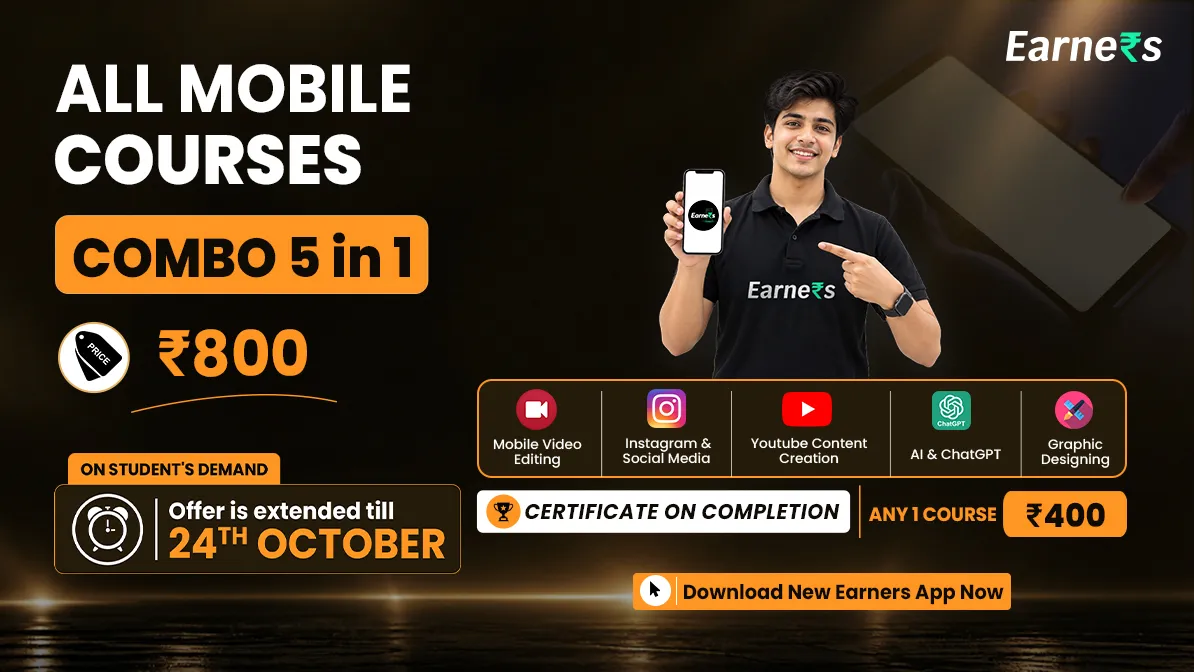
Learning from random videos can help you get started, but building professional editing skills also requires regular practice, projects, and feedback. PW Earners Mobile Video Editing Course is designed for beginners who want to learn professional video editing using their mobile.
The course covers the basics of editing along with advanced techniques and practical project work.
|
Course Feature |
Details |
|
Editing Basics |
Cut, trim, transitions, and effects |
|
Editing Apps |
CapCut, Alight Motion, VN, InShot, and Filmora |
|
Advanced Editing |
Keyframes, speed ramping, and colour grading |
|
Audio & Reels |
Audio editing, subtitles, and reel editing |
|
Project Work |
Full project editing from start to finish |
|
Duration |
6 months |
|
Classes |
2 days a week, Saturday and Sunday |
|
Practice & Support |
Assignments and doubt support sessions |
|
All Mobile Combo Validity |
2 years |
The course focuses on practical learning so you can create quality videos and explore opportunities in freelancing or content creation. It also covers mobile editing apps, AI-assisted workflows, and short-form storytelling.
Based on the Adobe Creators' Toolkit Report, 75% of creators plan to make even more content on mobile this year; the demand for skilled phone-based editors is only going up. If you want a clear, step-by-step path into this field, enrol in the PW Earners Mobile Video Editing Course and start building your skills today.
How to Become a Mobile Video Editor FAQs
What does the Adobe report say about mobile content creation?
How many creators use AI in their editing work?
Can I really start a video editing career from my phone?
How long does it take to get the first freelance client?


Have questions about your prep?
Our experts can answer all your questions
 Live & recorded classes available at easeDashboard for progress trackingLakhs of practice questions

