






Mobile Video Editing – Earners: Course Details, Curriculum, Fees, Features & Career Opportunities
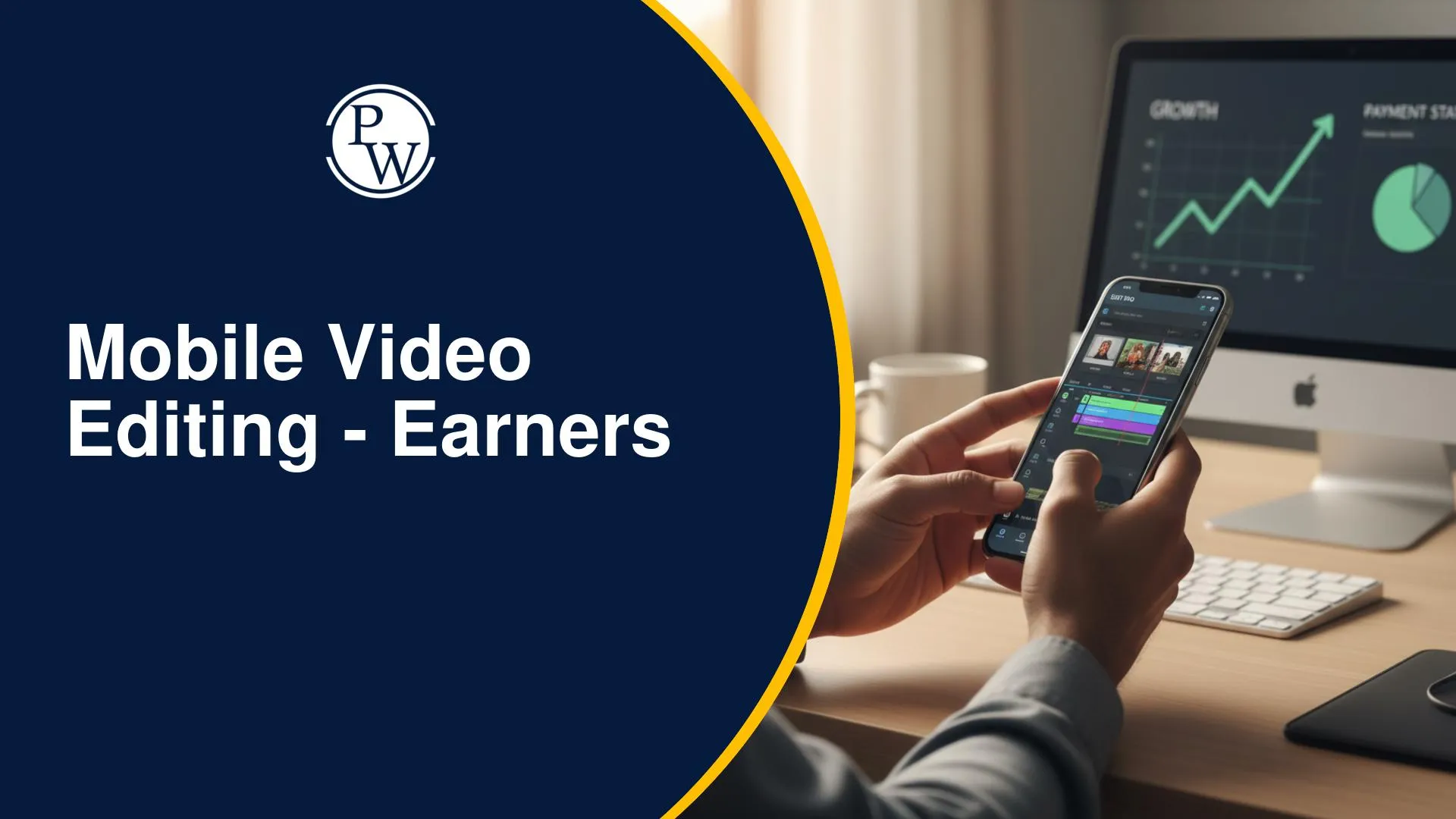
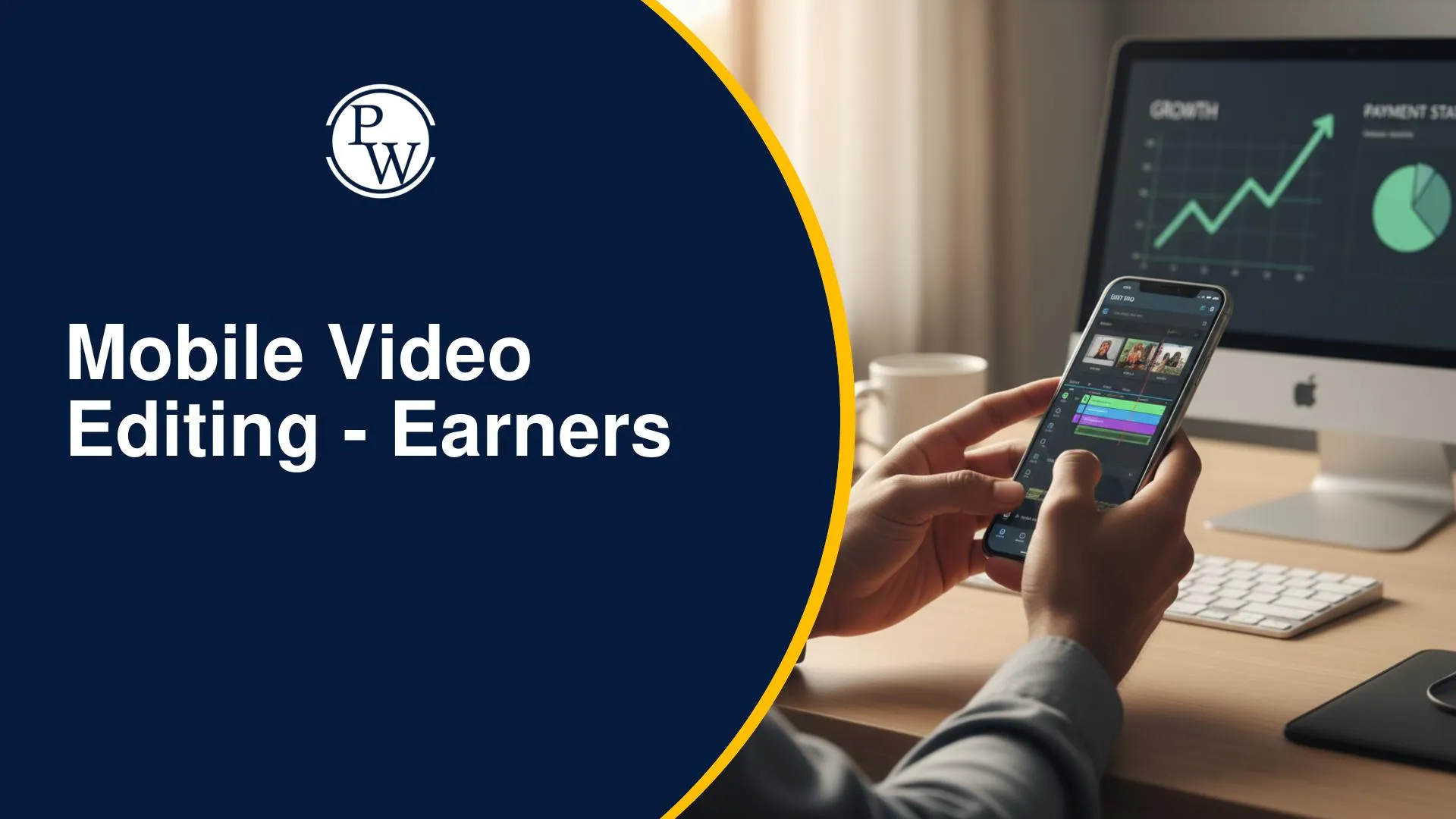
Professional video editing is no longer limited to creators with expensive laptops and advanced editing software. Today, smartphones are powerful enough to create high-quality reels, YouTube videos, promotional content, and cinematic edits. However, many beginners struggle to choose the right editing app, learn professional workflows, or build portfolio-worthy projects using only a smartphone.
The Mobile Video Editing – Earners course by PW Earners is designed to help beginners learn professional editing entirely on a mobile device. Through recorded classes, practical assignments, real-world projects, and industry-relevant editing techniques, the course provides a structured learning path for anyone looking to build editing skills and explore freelancing or content creation opportunities.
Mobile Video Editing – Earners Course Highlights
Before enrolling, it's helpful to understand the key features that make the Mobile Video Editing – Earners course suitable for beginners looking to build professional editing skills using a smartphone.
-
Learn professional video editing using only a smartphone
-
6-month recorded course for flexible learning
-
Covers five popular editing applications including CapCut, VN, Alight Motion, InShot, and Filmora
-
Project-based assignments to build practical editing skills
-
Course completion certificate
-
Doubt support and learner assistance
-
Validity till 2 May 2027 (extended till 2 May 2028 with All Mobile Combo)
Why Choose PW Earners Mobile Video Editing Course?
PW Earners course has been designed primarily for beginners who want to learn professional video editing without purchasing expensive hardware. Since the entire curriculum can be completed using a smartphone, it is suitable for learners from diverse backgrounds.
Learn Video Editing Using Only a Smartphone
One of the biggest advantages of the course is that learners can complete the entire programme using only a smartphone. There is no requirement for expensive laptops or professional editing setups, making it accessible for beginners who want to develop practical editing skills.
Beginner-Friendly Learning Path
The curriculum starts with editing fundamentals before gradually introducing advanced techniques such as motion graphics, cinematic colour grading, speed ramping, keyframe animations, and professional editing workflows.
Learn Through Real Projects
Students work on practical editing projects and assignments throughout the course, helping them apply concepts while building portfolio-ready work suitable for freelancing and content creation.
Suitable for Different Learners
This course is ideal for:
-
College students
-
Beginners interested in video editing
-
Instagram and YouTube creators
-
Freelancers
-
Housewives looking for flexible career opportunities
-
Working professionals seeking a side income
-
Small business owners
-
Digital marketers and social media managers
What Makes the PW Mobile Video Editing Course Different?
Unlike scattered online tutorials that often focus on individual editing tools, the Mobile Video Editing – Earners course follows a structured, project-based approach to learning. Students gradually develop editing skills by working on complete projects while gaining hands-on experience with multiple industry-popular mobile editing applications.
Some key differentiators of the course include:
-
Learn professional editing using only a smartphone without requiring a laptop.
-
Training across five widely used editing applications—VN, CapCut, Alight Motion, InShot, and Filmora.
-
Project-based learning with practical assignments instead of tool-only demonstrations.
-
Exposure to trending editing techniques such as cinematic colour grading, speed ramping, keyframe animation, motion graphics, and viral editing styles.
-
Structured learning designed specifically for beginners.
-
Recorded classes that allow learners to study at their own pace.
Mobile Video Editing – Earners Batch Features
Beyond the learning experience, the batch includes several support features that help students complete the course more conveniently. These include flexible access, learner support, certification, and extended validity.
Some of the key features of the batch include:
-
100% recorded classes for flexible, self-paced learning.
-
6-month course duration with classes scheduled on Saturday and Sunday.
-
Assignments after major modules to reinforce practical concepts.
-
Dedicated doubt support sessions for academic assistance.
-
Course completion certificate after successfully finishing the programme.
-
Validity till 2 May 2027, with extended access till 2 May 2028 for learners enrolled in the All Mobile Combo.
-
Exam guidance through PW Offline Centres.
-
One-to-one emotional well-being support through PW Prerna counsellors.
-
Offline helpdesk support for student assistance.
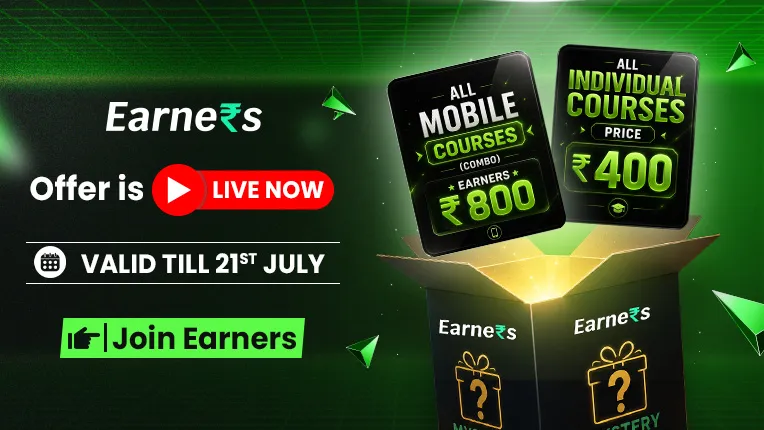
Mobile Video Editing – Earners Plans: Which One Should You Choose?
Students can choose the learning plan that best matches their requirements.
|
Plan |
Price |
Includes |
|
Regular |
₹800 |
Mobile Video Editing |
|
Infinity Pro |
₹1,300 |
Mobile Video Editing, Instagram & Social Media, AI & ChatGPT, Mobile Graphic Designing, YouTube Content Creation, Base Plan |
The Regular plan focuses exclusively on mobile video editing, and the Infinity Pro plan is designed for learners who want to build multiple digital skills alongside editing.
In addition to the Mobile Video Editing course, Infinity Pro includes:
-
Instagram & Social Media
-
AI & ChatGPT
-
Mobile Graphic Designing
-
YouTube Content Creation
-
Base Plan benefits
Learners who want to build skills beyond mobile video editing may find the Infinity Pro plan more suitable, as it combines video editing with additional courses in social media, AI, graphic designing, and YouTube content creation.
Skills and Career Opportunities After Completing the Course
By the end of the programme, learners will have developed practical editing skills that can be applied across multiple digital careers. Since the curriculum focuses on real-world projects and portfolio development, students become better prepared for freelance work and creator opportunities.
Career options include:
-
Mobile Video Editor
-
Freelance Video Editor
-
Instagram Reel Editor
-
YouTube Video Editor
-
Shorts Editor
-
Brand Video Editor
-
Social Media Video Editor
-
Personal Branding Editor
-
Creator Assistant
-
Content Creator
The course also helps learners build a portfolio that can be shared with clients or employers.
FAQs
Is the Mobile Video Editing Earners course suitable for beginners?
Do I need a laptop to join this course?
Which mobile video editing apps are covered in the course?
What is the duration of the Mobile Video Editing Earners course?




Get Free Counselling Today
and Clear up all your Doubts
 Live & recorded classes available at easeDashboard for progress trackingLakhs of practice questions

