






How to Use Excel on Mobile Phone: Learn Excel Sheets, Formulas & Charts with PW Gyaan-E
 Mishika Gupta22 Aug, 2026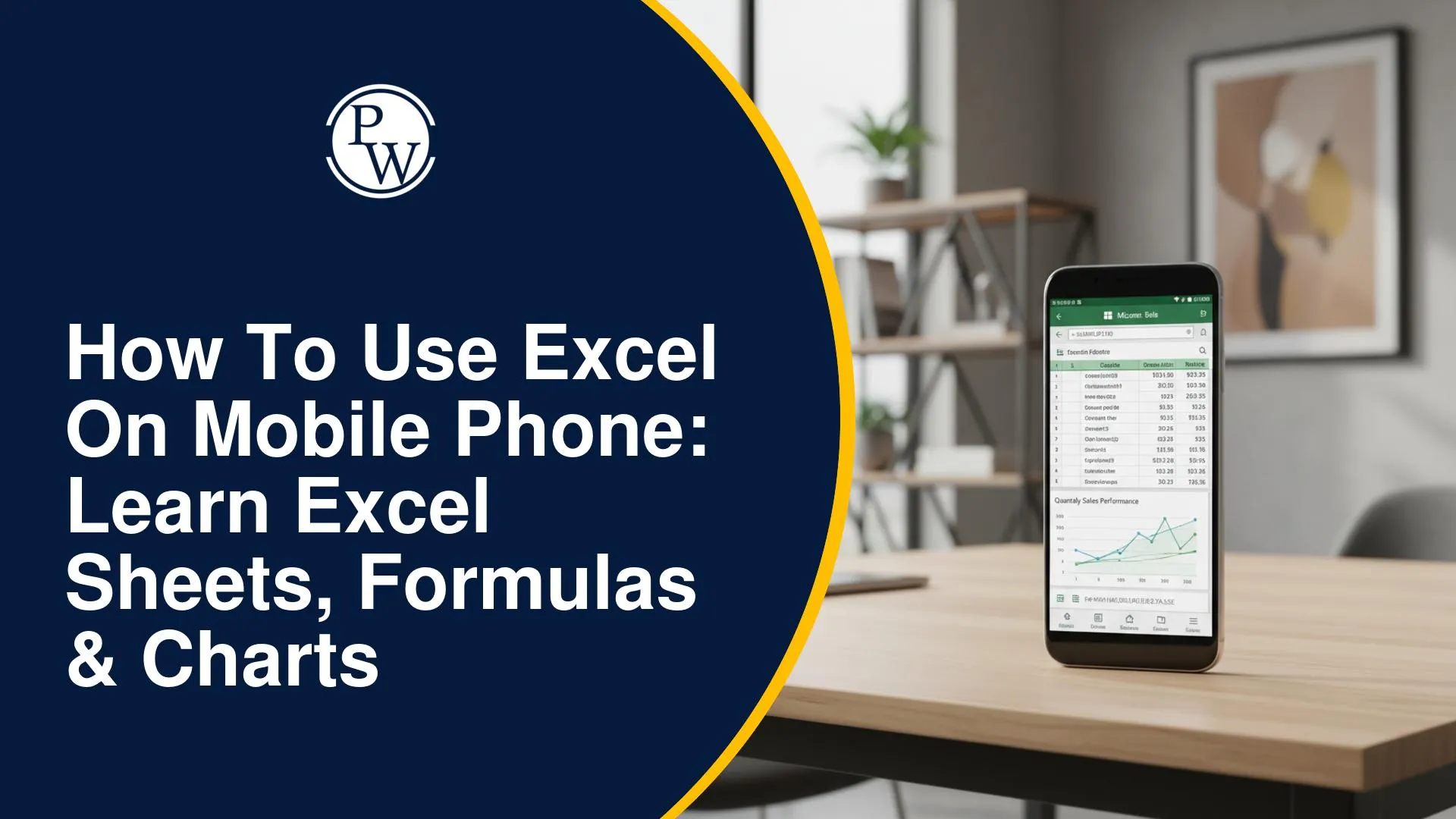
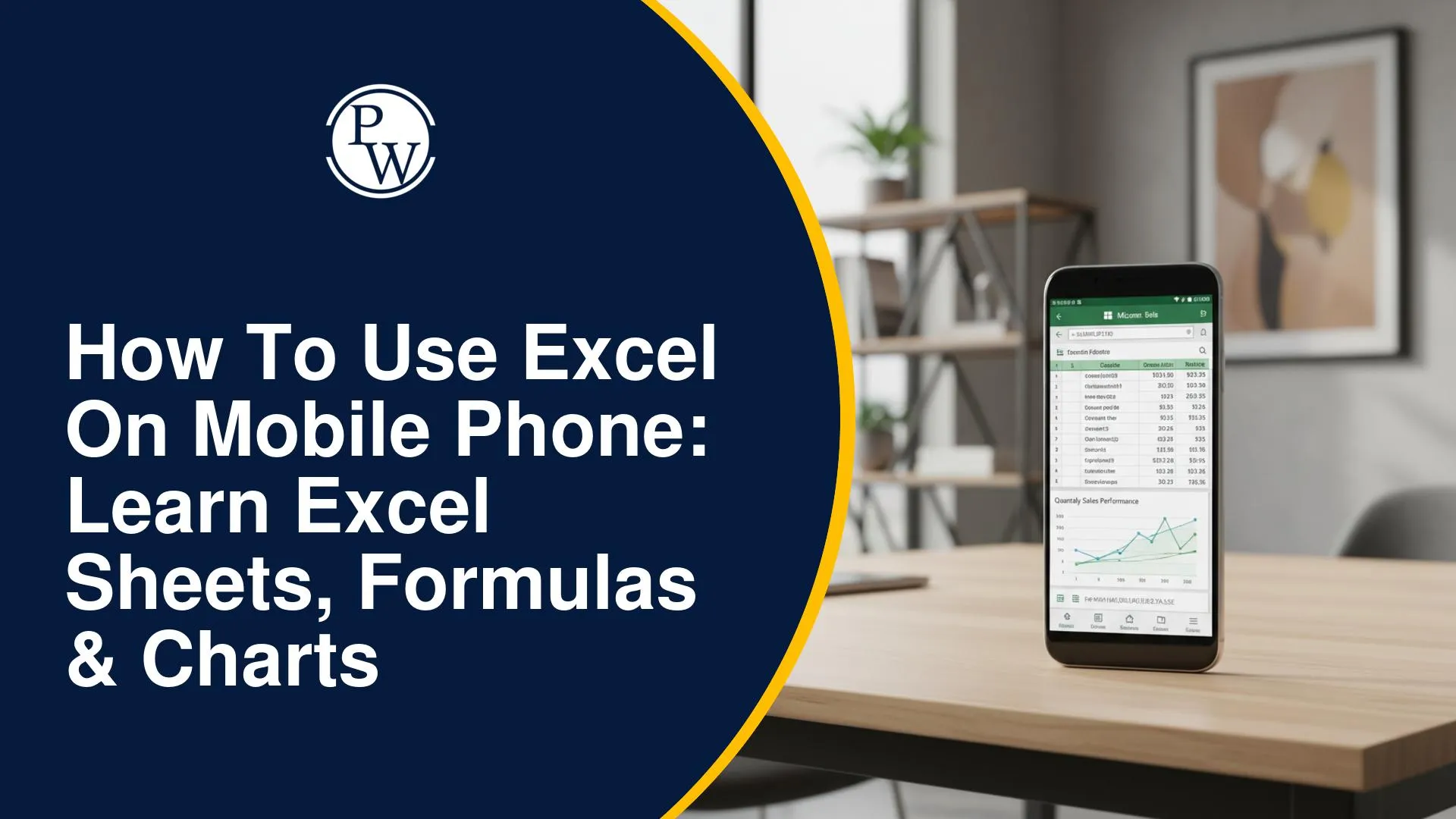
Using Excel on a phone can be useful when you need to update a budget, check marks, organise a list, or work with data without opening a laptop. The mobile app lets you create and edit workbooks, enter data, apply formatting, use formulas, sort and filter information, create charts, and share files.
If you're wondering how to use Excel on mobile, the key is to start with the basics and gradually move towards formulas, data management, and charts. This guide explains the essential steps and also shows how the PW Gyaan-E Microsoft Mobile Excel Beginner's Course can help you learn these skills step by step.
Can You Use Excel on a Mobile Phone?
Yes, you can use Microsoft Excel on a smartphone for several everyday spreadsheet tasks. You can create or open workbooks, enter and edit information, format cells, use formulas, organise data, create charts, and share your work. The PW Gyaan-E Microsoft Mobile Excel: Beginner's Course is also designed to be completed using the Microsoft Excel mobile application.
With Excel on your phone, you can:
-
Create and edit spreadsheets
-
Enter information into cells
-
Format rows, columns, and cells
-
Calculate values using formulas
-
Sort and filter data
-
Remove duplicate information
-
Create bar, line, and pie charts
-
Save and share workbooks
This makes Excel useful for quick tasks when you don't have access to a computer.
How to Get Started With Excel on Your Mobile Phone?
If you're using Excel for the first time, start by becoming familiar with the workbook, worksheet, rows, columns, and cells.
Step 1: Open Excel on Your Phone
Install and open the Microsoft Excel mobile application. Sign in if required, then create a new workbook or open an existing one.
Step 2: Create a New Workbook
Choose the option to create a blank workbook. You'll see a worksheet made up of rows and columns, with each box representing a cell.
Step 3: Enter Your Data
Tap a cell and enter your information. For example, you can create a simple monthly budget:
|
Category |
Amount |
|
Food |
Rs. 3,000 |
|
Travel |
Rs. 2,000 |
|
Shopping |
Rs. 1,500 |
|
Bills |
Rs. 2,500 |
You can edit the entries whenever required and continue adding information to other cells.
Step 4: Move Around the Worksheet
Tap different cells to enter or edit data. As your spreadsheet becomes larger, you can move across columns and down rows to find the information you need.
Step 5: Save and Share Your Workbook
Once your work is complete, save the workbook and share it when required. The PW Gyaan-E Microsoft Mobile Excel: Beginner's Course also covers saving and sharing workbooks as part of its curriculum.
How to Create and Format an Excel Sheet on Mobile?
Once you know how to enter data, formatting can make your spreadsheet easier to read. You can organise information into rows and columns and adjust the appearance of your worksheet.
For example, if you're creating a marksheet, you could use:
|
Name |
Maths |
Science |
English |
|
Rahul |
82 |
76 |
88 |
|
Priya |
91 |
84 |
90 |
|
Aman |
75 |
79 |
81 |
You can then format headings, adjust column widths, and organise the information so that the sheet is easier to understand. The PW Gyaan-E Microsoft Mobile Excel: Beginner's Course covers Excel setup, data entry, editing, formatting, and smart formatting to help you create more organised worksheets.
How to Use Excel Formulas on a Mobile Phone?
Formulas allow you to perform calculations without manually working out every value. Excel supports many functions for calculations and data analysis.
The PW Gyaan-E Microsoft Mobile Excel: Beginner's Course covers these five basic functions:
-
SUM: Adds values together.
-
AVERAGE: Calculates the average of selected values.
-
COUNT: Counts cells containing numbers.
-
MIN: Finds the smallest value.
-
MAX: Finds the largest value.
For example, if cells B2 to B5 contain expenses, you can use:
=SUM(B2:B5)
to calculate the total.
These functions are useful for budgets, marksheets, attendance records, and other basic spreadsheets.
How to Filter and Sort Data in Excel on Mobile?
Sorting and filtering are useful when a spreadsheet contains a large amount of information.
-
Sorting changes the order of your data. For example, you could arrange marks from highest to lowest.
-
Filtering temporarily displays only the rows that match a particular condition. For example, you could filter a marksheet to display students who scored more than 80.
The PW Gyaan-E Microsoft Mobile Excel: Beginner's Course covers both sorting and filtering, along with removing duplicates, importing information, and organising worksheets.
How to Create Charts in Excel on Your Phone?
Charts can make spreadsheet data easier to understand visually. Excel supports different chart types for different purposes.
-
Bar Chart: Useful for comparing different categories.
-
Line Chart: Useful for showing changes or trends over time.
-
Pie Chart: Useful for showing how different categories make up a whole.
For example, you could use a bar chart to compare monthly expenses or a line chart to track sales across several months.
The PW Gyaan-E Microsoft Mobile Excel: Beginner's Course introduces bar charts, line graphs, and pie charts as part of its formulas and charts lesson.
How to Use Advanced Excel Functions on Mobile?
After learning basic formulas, you can move towards functions that help you work with larger or more detailed datasets.
-
VLOOKUP
VLOOKUP can help you find information from a table based on a value. For example, you could use it to find a student's marks using their roll number.
-
CONCATENATE
CONCATENATE helps combine text from different cells. For example, you could combine a first name and surname into one cell.
The PW Gyaan-E Microsoft Mobile Excel: Beginner's Course introduces both VLOOKUP and CONCATENATE as part of its advanced Excel functions lesson.
What Can You Do With Excel on a Mobile Phone?
Excel can be useful for many simple academic, personal, and work-related tasks. You can use it to:
-
Track Expenses: Record spending and calculate totals.
-
Create Marksheets: Enter marks and calculate averages.
-
Maintain Attendance: Keep track of attendance records.
-
Organise Lists: Manage names, tasks, products, or other information.
-
Prepare Reports: Organise information into clear tables and charts.
-
Analyse Basic Data: Use formulas, sorting, and filtering to understand your information.
The PW Gyaan-E Microsoft Mobile Excel: Beginner's Course also highlights practical applications such as budgets, attendance records, reports, and basic data analysis.
How the PW Gyaan-E Microsoft Mobile Excel Course Can Help You Learn Excel
If you want guided learning instead of figuring out every Excel feature on your own, the Microsoft Mobile Excel Beginner's Course by PW Gyaan-E provides a beginner-focused learning experience through your smartphone.
|
Course Feature |
What It Offers |
|
5 Lessons |
Covers Excel basics, formulas and charts, data management, advanced functions, and smart formatting. |
|
17 Video Episodes |
Learn through short, focused lessons. |
|
Hands-on Practice |
Apply concepts while working on spreadsheet tasks. |
|
Quizzes & Assessments |
Reinforce your understanding as you progress. |
|
Self-Paced Learning |
Rewatch lessons and learn according to your schedule. |
|
PW-Verified Certificate |
Earn a verifiable certificate after completing the course. |
The course can be completed using the Excel mobile application, so you don't need a laptop to follow the lessons.
Excel on a mobile phone makes it easier to manage budgets, marksheets, lists, and other data without needing a laptop. Once you learn the basics of data entry and formatting, you can move on to formulas, sorting, filtering, charts, and advanced functions. The PW Gyaan-E Microsoft Mobile Excel Beginner's Course provides a structured way to learn these skills through practical lessons, video episodes, quizzes, and hands-on practice. It can help beginners build confidence and gradually improve their Excel skills using just a smartphone.
How to Use Excel on Mobile Phone: Learn Excel Sheets, Formulas & Charts FAQs
Can I use Excel on my mobile phone?
How do I filter data in Excel on mobile?
Can I create an Excel sheet on my phone?
What can I learn in PW Gyaan-E's Microsoft Mobile Excel course?

Get Free Counselling Today
and Clear up all your Doubts
 Live & recorded classes available at easeDashboard for progress trackingLakhs of practice questions

