






PW Gyaan-E Microsoft Mobile Excel Beginner’s Course
 Avisha Das20 Jul, 2026
Knowing how to use Microsoft Excel is a valuable skill for studies, internships, and many careers, but as a beginner, you may find spreadsheets confusing. Functions, formulas, and data organisation can seem difficult to understand, especially without proper guidance or access to a computer, making it hard to build confidence from the basics.
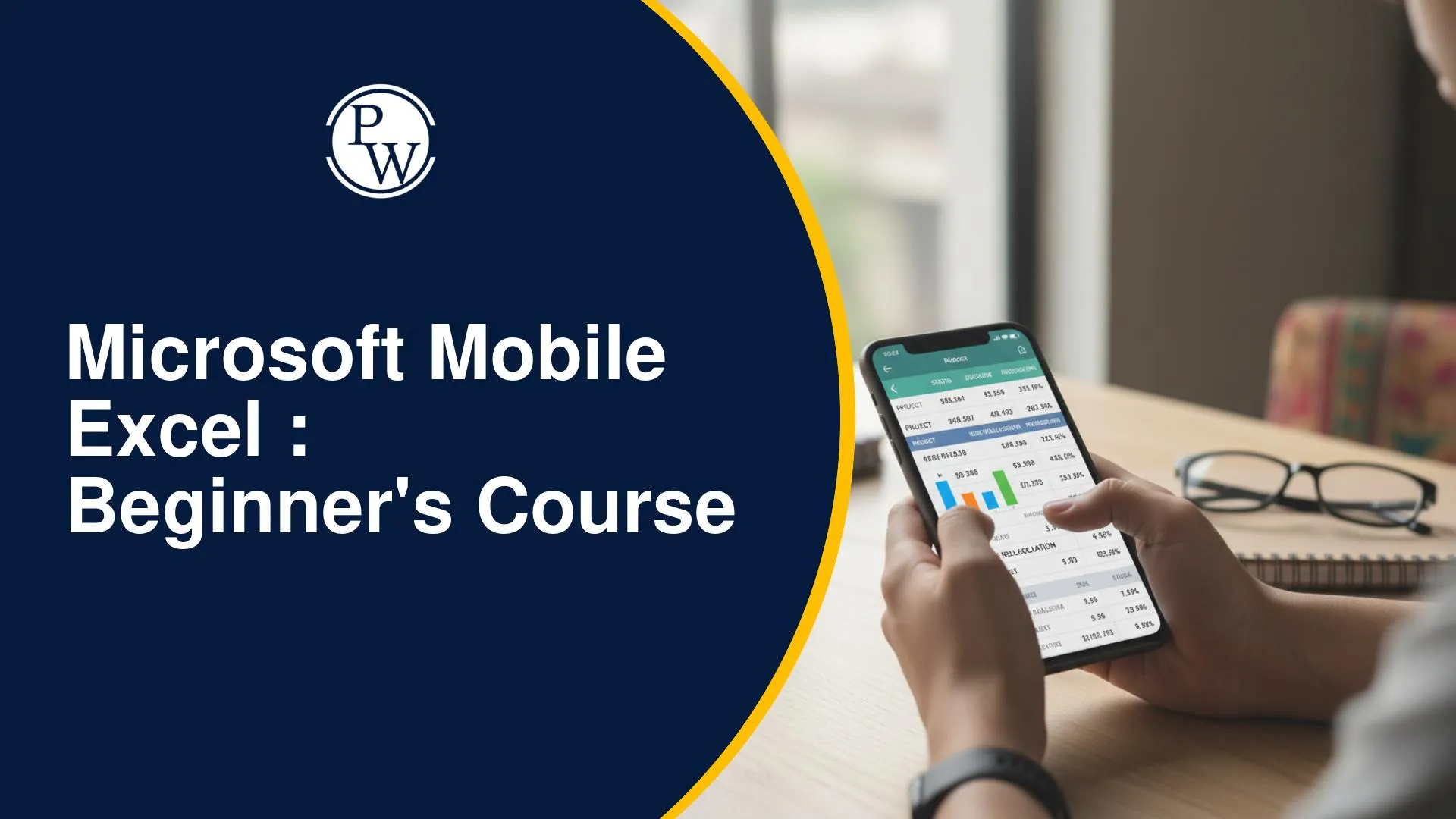
The Microsoft Mobile Excel Course for beginners helps you learn Excel from scratch through the PW Gyaan-E app. With short video lessons, practical exercises, quizzes, and a self-paced learning format, you can build essential spreadsheet skills anytime using your smartphone and earn a PW-verified certificate after completing the course.
How Is the PW Gyaan-E Microsoft Mobile Excel Course Suitable For First-Time Learners?
The PW GyaanE Microsoft Mobile Excel Beginner’s Course is designed to help first-time learners who want to learn Excel through practical applications rather than lengthy theory. With bite-sized lessons, guided practice, and flexible learning, you can develop spreadsheet skills that are useful for academics, internships, workplaces, and personal projects.
|
Feature |
How It Benefits You |
|
Learn on Your Smartphone |
Complete the entire course using the Microsoft Excel mobile application. |
|
17 Bite-Sized Video Episodes |
Learn in short sessions and finish the course in a day or over a weekend. |
|
5 Practical Lessons |
Progress from Excel basics to advanced functions through guided learning. |
|
Hands-on Practice |
Apply every concept while working on real spreadsheet tasks. |
|
Quizzes & Assessments |
Reinforce concepts and measure your understanding after each lesson. |
|
Self-Paced Learning |
Rewatch lessons anytime and learn according to your schedule. |
|
PW Verified Certificate |
Earn a verifiable certificate to showcase your Excel skills on your resume and LinkedIn profile. |
|
Access to 300+ Courses |
Explore additional skill-based courses available during your subscription. |
What Will You Learn in the PW Gyaan-E Microsoft Mobile Excel Beginner’s Course?
The course consists of 17 episodes across 5 lessons, covering the Excel skills required to create, organise, analyse, and present data efficiently. Each module introduces practical concepts that help you become more confident while working with spreadsheets.
Course Curriculum
|
Lesson |
Topics Covered |
|
Lesson 1: Excel Setup & Basics |
Set up the Excel app, enter and edit data, and format spreadsheets for better readability. |
|
Lesson 2: Formulas & Charts |
Use SUM, AVERAGE, COUNT, MIN, and MAX, and create bar charts, line graphs, and pie charts. |
|
Lesson 3: Data Management |
Sort and filter data, remove duplicates, import information, and organise worksheets. |
|
Lesson 4: Advanced Excel Functions |
Work with VLOOKUP and CONCATENATE to search, combine, and organise data efficiently. |
|
Lesson 5: Collaboration & Smart Formatting |
Save and share workbooks, manage multiple sheets, use named ranges, and apply conditional formatting. |
How Can the PW GyaanE Microsoft Mobile Excel Course Help in Your Studies and Career?
Excel is a valuable skill that can simplify everyday tasks, improve productivity, and enhance your professional capabilities. Through practical examples and guided exercises, the course helps you understand how to apply Excel features in real-life scenarios, making it easier to work confidently with spreadsheets across different situations.
After completing the course, you will be able to:
-
Set Up Excel with Confidence: Learn how to get started with Microsoft Excel on your mobile device and use the interface with ease.
-
Enter and Format Data: Input, edit, and format spreadsheet data to create organised and professional-looking worksheets.
-
Perform Basic Calculations: Use essential Excel functions such as SUM, AVERAGE, COUNT, MIN, and MAX to analyse data accurately.
-
Create Charts and Graphs: Visualise information by creating bar charts, line graphs, and pie charts for better data presentation.
-
Organise Large Datasets: Sort, filter, and manage data efficiently to quickly find and analyse important information.
-
Use Advanced Excel Functions: Apply functions like VLOOKUP and CONCATENATE to retrieve, combine, and organise data more effectively.
-
Save and Share Workbooks: Learn how to save, organise, and share Excel files for collaboration and easy access.
-
Apply Excel to Real-Life Tasks: Use Excel for practical tasks such as preparing budgets, maintaining attendance records, creating reports, and analysing data.
Microsoft Excel is a valuable skill that can simplify data management, improve productivity, and support both academic and professional growth. The PW Gyaan E Microsoft Mobile Excel Beginner’s Course provides a practical starting point to learn these essential skills through short lessons and hands-on practice, making it easier to apply Excel confidently in real-world situations.
Gyaan-E Microsoft Mobile Excel Beginners Course FAQs
Q1. Who should enrol in the Microsoft Mobile Excel Beginners Course?
Q2. Where can I access the Microsoft Mobile Excel Course?
Q3. Do I need a laptop to complete this course?
Q4. How long is the Microsoft Mobile Excel Course?

Get Free Counselling Today
and Clear up all your Doubts
 Live & recorded classes available at easeDashboard for progress trackingLakhs of practice questions

