






What If Computer Stops Working During JEE Main Exam?
What If Computer Stops Working During JEE Main Exam one of the most common fear among students appearing for JEE Main. Students should not worry at all. NTA has set the guidelines regarding the JEE Main examination covering the system failure and technical glitches. Students can get extra time if any such issue happens.

Share
JEE Main Session 2 exam will commence from April 2 to April 8, 2026. Students appearing for the national-level engineering examination. They may feel a little scared about the JEE Main computer failure issues in the exam.
It can be related to the system failure, technical issues, and extra information provided in the exam. These confusions are common for any student appearing for such a national-level examination.
JEE Main Technical Glitch Rules
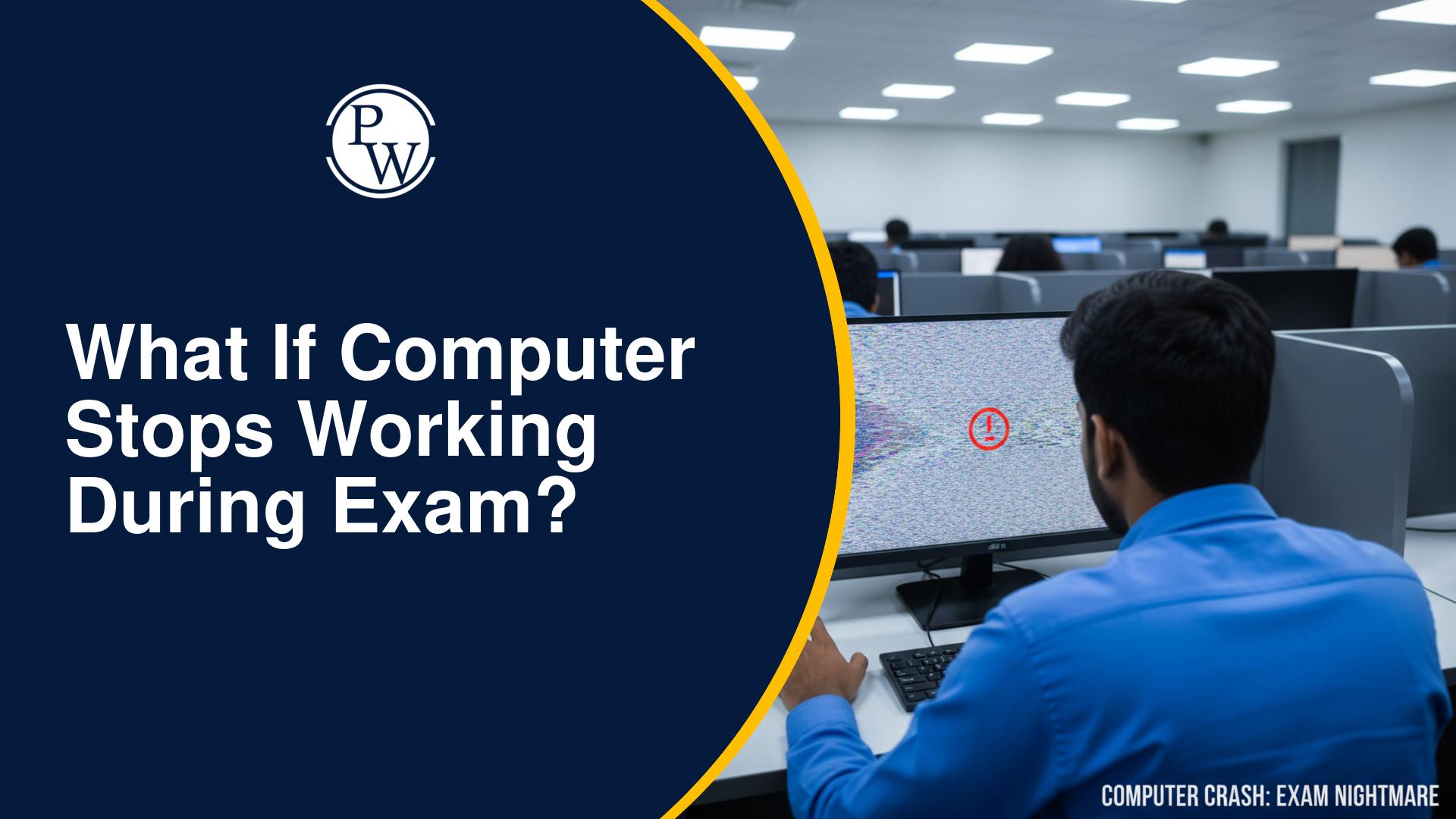
A computer is a machine, and sometimes machines have small problems. A screen might freeze, or the mouse might stop moving. This is called a technical glitch. The JEE Main exam system failure process is designed to handle these moments quickly.
At every exam centre, there are technical experts. Their only job is to fix any computer problems. If a student sees that their computer is not working, the first thing they must do is stay calm. Panicking will only make the student feel more stressed.
The student should remember that the NTA has seen these problems before and knows exactly how to provide a JEE Main computer issue solution.
What to do during a technical issue in JEE?
If a student faces a problem, they must follow the correct steps. Knowing what to do during technical issue JEE is very important.
-
Do Not Touch the Wires: The student should never try to fix the computer themselves. They should not pull wires or push the power button. This might make the problem worse.
-
Raise a Hand: The student should immediately raise their hand. An invigilator (the person watching the room) will come to the student’s desk.
-
Explain the Problem Clearly: The student should tell the invigilator exactly what happened. For example, they can say, "The screen is black," or "The cursor is not moving."
-
Wait for Help: The invigilator will call a technical person. The student should sit quietly and wait.
The NTA computer problem guidelines say that the staff must help the student as fast as possible. If the computer can be fixed in one minute, they will fix it. If it takes longer, the student will be moved to a different desk with a working computer.
What Happens if System Crashes JEE Main?
A "system crash" sounds like a very bad thing, but in the JEE Main, it is managed carefully. Many students ask, "what happens if system crashes JEE Main? Will I lose my marks?"
The answer is no. The exam software is very smart. Every time a student clicks on "Save and Next," the answer is sent to a main computer called a server. Even if the student's computer breaks, the server keeps all the answers safe.
When the student logs into a new computer, all their old answers will still be there. The student does not have to start the whole test again. This is the JEE Main online exam problem solution that ensures every student gets a fair chance.
JEE Main Computer Restart Policy and Time
Another big worry for the student is the clock. Every student knows that time is very precious in the JEE Main. If the computer stops for ten minutes, does the student lose those ten minutes?
According to the JEE Main computer restart policy, the timer on the screen stops the moment the computer stops working. The clock is connected to the student's login. If there is a technical problem, the time is "paused."
When the student moves to a new computer and logs in again, the clock starts from the exact second it stopped. For example, if a student had 2 hours left when the system crashed, they will still have exactly 2 hours left when they start again. This is one of the most important JEE Main exam interruption rules. No student is ever punished for a computer mistake.
JEE Main Server Issue Handling
Sometimes, the problem is not just with one computer. It could be a problem with the whole room or the whole centre. This is called a server issue. The JEE Main server issue handling team is always ready for this.
If the whole system stops, the exam centre head will talk to the NTA. The students will be asked to wait at their desks. Just like with one computer, the time for every student will be adjusted.
If the delay is very long, the NTA follows strict JEE Main technical glitch rules to decide if the exam should be continued or if extra time should be given at the end of the day. The student will always be given the full three hours to finish their paper.
Tips for a Smooth Online Exam Experience
To avoid extra stress, the student should follow these simple tips:
-
Check the Hardware Early: When the student sits down, they should check if the mouse is moving easily and if the keyboard keys are working. If something feels broken, tell the invigilator before the exam starts.
-
Follow the Save Rules: Always click "Save and Next" after answering a question. This makes sure the JEE Main online exam problem solution can find the student's answers later.
-
Do Not Look at Other Screens: Even if there is a glitch, the student must stay focused on their own desk. Looking at others might be seen as cheating.
-
Trust the Staff: The invigilators and technical teams are there to help. The student should trust that they will provide a JEE Main computer issue solution quickly.