






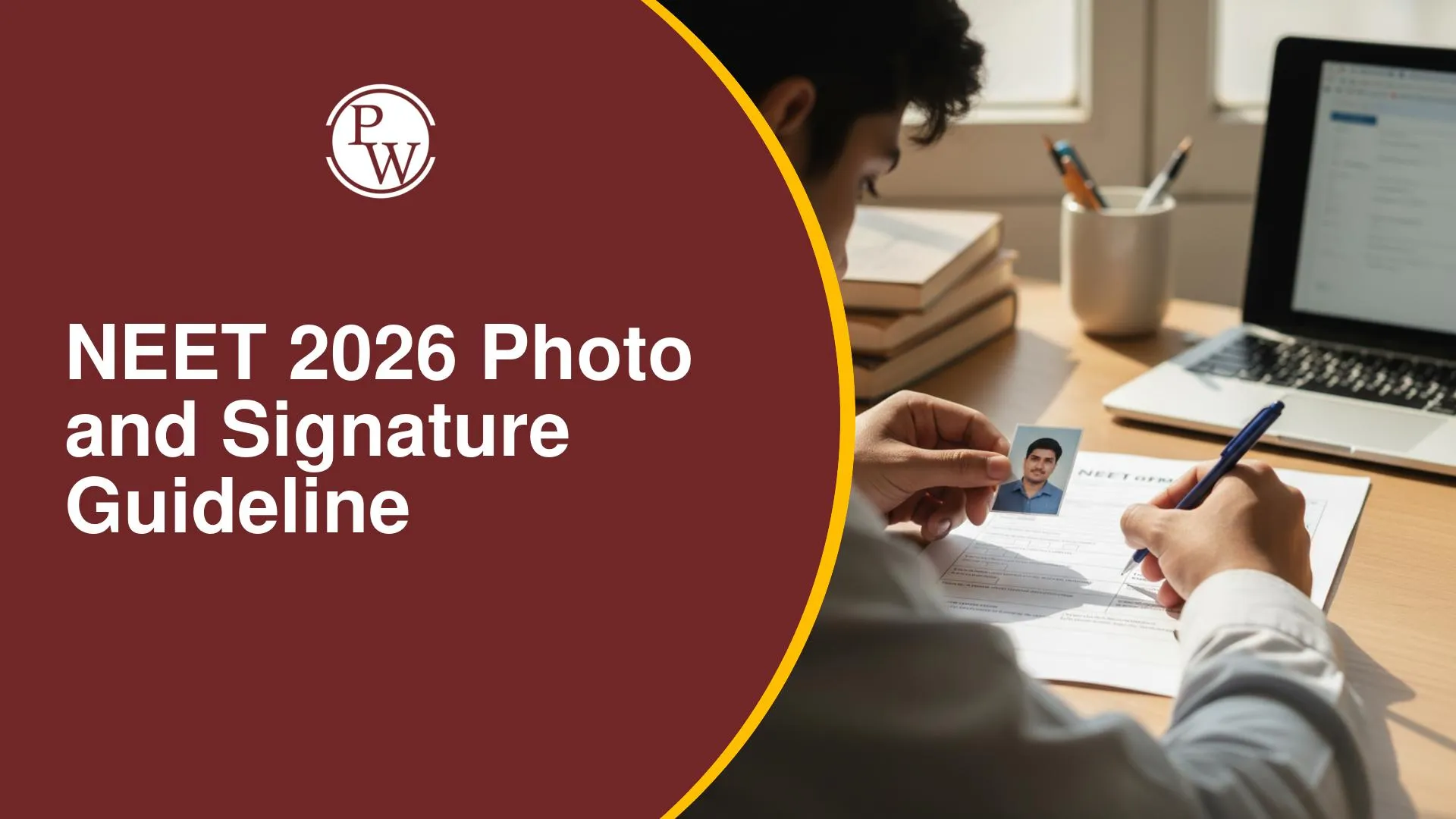
NEET 2026 Photo and Signature Guideline outlines the exact specifications candidates must follow while uploading documents during the application process. The photograph must be in JPG format. Candidates must follow the official NEET photo signature size and format rules carefully, as incorrect uploads can lead to rejection of the application.

NEET 2026 Photo and Signature Guideline is an important part of the application process released by the National Testing Agency (NTA) for candidates applying for the NEET UG exam. While filling out the application form, students must upload a passport-size photograph, signature, and thumb impression according to the prescribed specifications.
Following the official NEET UG 2026 photo signature guidelines is essential because incorrect formats, sizes, or background details can result in application rejection. The NTA provides clear instructions regarding NEET photo signature size and format, file size limits, background color, and upload rules.
NEET 2026 Photo and Signature Guideline
While filling out the NEET UG 2026 application form, candidates must upload certain scanned documents as part of the registration process. The NEET 2026 Photo and Signature Guideline explains how these images should be prepared and uploaded so that the application is accepted without any issues.
According to the official NEET photo and signature requirements 2026, applicants are required to upload three documents: a recent passport-size photograph, a scanned signature, and a left-hand thumb impression. These images must be uploaded online in the prescribed NEET photo and signature format JPG/JPEG and within the specified file size limits. Below are the specifications and requirements you must follow:
NEET 2026 Photo Specifications
Candidates must upload a recent passport-size photograph that follows the official NEET photo and signature requirements 2026.
|
NEET 2026 Photo Specifications |
|
|
Particular |
Details |
|
Document |
Passport-size Photograph |
|
File Size |
10 KB – 200 KB |
|
Dimensions |
4 × 6 inches |
|
Format |
JPG / JPEG |
|
Photos Required |
6 to 8 copies for future use |
|
Date of Photograph |
After January 1, 2026 |
These NEET 2026 photo signature dimensions must be followed carefully when uploading the image in the application form.
NEET Photo Background and Image Rules
Candidates must follow the official NEET photo and signature upload rules for photographs:
-
The photograph should be recent and clearly visible.
-
The candidate’s face should occupy at least 80% of the image.
-
The photo should have a plain white background.
-
Polaroid or computer-generated photos are not accepted.
-
Spectacles or sunglasses should not be worn.
-
The photo must be uploaded in JPG/JPEG format only.
Following these NEET photo and signature background color rules ensures that the image is accepted during verification.
NEET Signature Specifications 2026
Candidates must also upload a scanned signature according to the official NEET photograph and signature specifications.
|
NEET Signature Specifications 2026 |
|
|
Particular |
Details |
|
Document |
Candidate Signature |
|
File Size |
4 KB – 30 KB |
|
Dimensions |
2.5 × 3.5 inches |
|
Format |
JPG / JPEG |
The NEET 2026 photo signature dimensions must be followed exactly to avoid application rejection.
NEET Signature Upload Guidelines
Here are the important NEET registration photo and signature rules for signatures:
-
The signature must be done with a black ink pen.
-
Only signatures written by the candidate are accepted.
-
Signature in CAPITAL letters will not be accepted.
-
The scanned image must be clear and properly cropped.
-
The signature must be uploaded in JPG/JPEG format.
These rules are part of the official NEET photo and signature upload rules released by NTA.
NEET Photo and Signature Rejection Reasons
Applications may be rejected if candidates do not follow the NEET photo and signature upload rules. Some common mistakes include:
-
Incorrect file size or dimensions
-
Uploading images in PNG or other formats instead of JPG/JPEG
-
Blurred or unclear photograph
-
Wearing sunglasses or accessories in the photo
-
Signature in capital letters
-
Computer-generated images
Understanding these NEET photo and signature rejection reasons helps candidates avoid application errors.
NEET 2026 Photo Signature Correction Window
If a candidate uploads incorrect images, the NEET 2026 photo signature correction window allows them to update the documents. During the correction period, candidates can:
-
Replace incorrect photographs
-
Upload a new signature image
-
Correct file size or format issues
However, candidates should follow the NEET photograph and signature specifications carefully during the first submission to avoid unnecessary corrections.
Important Tips for Uploading NEET Documents
Before submitting the form, candidates should check the following NEET registration photo and signature rules:
-
Ensure the file size matches the official limits.
-
Confirm the image format is JPG/JPEG.
-
Verify the background is plain and the face is clearly visible.
-
Upload clear scans without shadows or cropping errors.
Following these steps ensures the application is processed smoothly.
NEET 2026 Photo and Signature Guideline FAQs
What is the required photo size for NEET 2026?
The NEET photo and signature file size for the photograph must be between 10 KB and 200 KB, with dimensions of 4 × 6 inches.
What format should the NEET photograph and signature be uploaded in?
Candidates must upload both documents in JPG or JPEG format, as specified in the NEET photo and signature format rules.
What is the required signature size for NEET 2026?
The NEET signature file size should be 4 KB to 30 KB, with dimensions of 2.5 × 3.5 inches.
What background color is required for the NEET photo?
The NEET photo and signature background color for the photograph should be plain white.
Can I correct my photo or signature after submitting the NEET form?
Yes, candidates can correct mistakes through the NEET 2026 photo signature correction window released by NTA after the application process.



Free Learning Resources
PW Books
Notes (Class 10-12)
PW Study Materials
Notes (Class 6-9)
Ncert Solutions
Govt Exams
Our Other Websites
Class 6th to 12th Online Courses
Govt Job Exams Courses
UPSC Coaching
Defence Exam Coaching
Gate Exam Coaching
Other Exams
Know about Physics Wallah
Physics Wallah is an Indian edtech platform that provides accessible & comprehensive learning experiences to students from Class 6th to postgraduate level. We also provide extensive NCERT solutions, sample paper, NEET, JEE Mains, BITSAT previous year papers & more such resources to students. Physics Wallah also caters to over 3.5 million registered students and over 78 lakh+ Youtube subscribers with 4.8 rating on its app.
We Stand Out because
We provide students with intensive courses with India’s qualified & experienced faculties & mentors. PW strives to make the learning experience comprehensive and accessible for students of all sections of society. We believe in empowering every single student who couldn't dream of a good career in engineering and medical field earlier.
Our Key Focus Areas
Physics Wallah's main focus is to make the learning experience as economical as possible for all students. With our affordable courses like Lakshya, Udaan and Arjuna and many others, we have been able to provide a platform for lakhs of aspirants. From providing Chemistry, Maths, Physics formula to giving e-books of eminent authors like RD Sharma, RS Aggarwal and Lakhmir Singh, PW focuses on every single student's need for preparation.
What Makes Us Different
Physics Wallah strives to develop a comprehensive pedagogical structure for students, where they get a state-of-the-art learning experience with study material and resources. Apart from catering students preparing for JEE Mains and NEET, PW also provides study material for each state board like Uttar Pradesh, Bihar, and others
Copyright © 2026 Physicswallah Limited All rights reserved.