







Video Editing Techniques for Online Content: Cuts, Transitions, Montage & Visual Storytelling
 Mehjabeen Hussain17 Sept, 2026
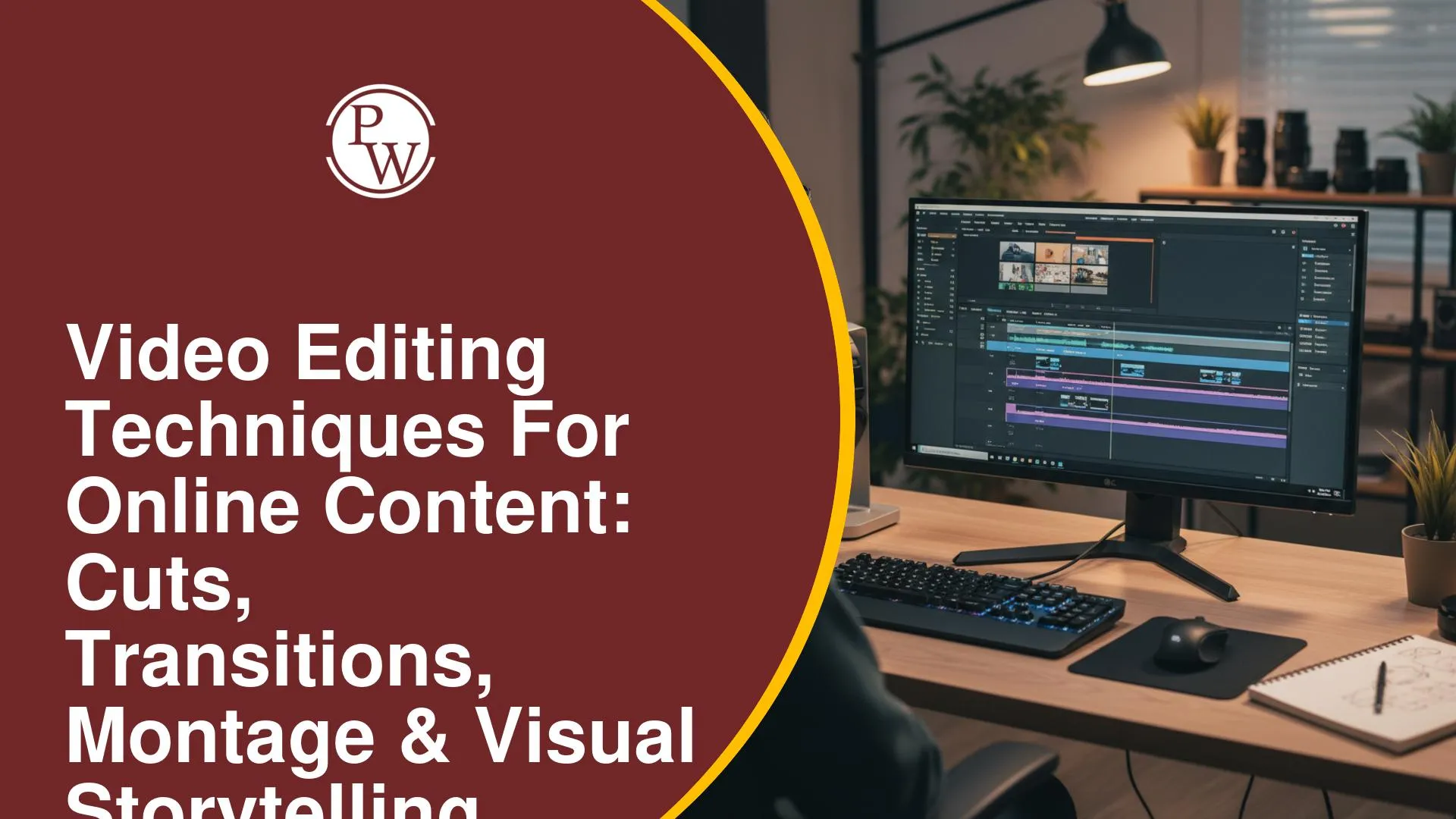
A video can have good footage but still feel slow, confusing, or disconnected when the shots are not arranged well. Long pauses, unnecessary clips, abrupt scene changes, and mismatched visuals can make it difficult for viewers to follow the message. Choosing the right cut, transition, pace, and sequence can make a significant difference to the viewing experience.
Understanding video editing techniques can help you turn raw footage into clear and engaging online content. This includes using different types of cuts, purposeful transitions, montage, visual storytelling, sound, and continuity. These techniques can help you control the flow of a video, highlight important moments, and communicate ideas more effectively.
What Are Video Editing Techniques for Online Content?
Video editing techniques are methods used to arrange, refine, and connect recorded footage to communicate an idea or story. Editors can remove unnecessary sections, change the order of shots, add transitions, and combine visuals with dialogue, music, or sound effects.
Effective editing can help remove unnecessary footage, connect different shots, control the pace of a video, highlight important visuals, and make the content easier to follow.
Different Types of Cuts in Video Editing
Cuts allow editors to move from one shot to another and control the flow of a video. Different cuts can be used depending on the purpose of the content and the relationship between the shots.
1. Straight Cut
A straight cut moves directly from one shot to another without a visible transition effect. It is commonly used to maintain a natural flow between connected shots.
2. Jump Cut
A jump cut removes a portion of continuous footage and joins the remaining sections together. It can help shorten pauses, remove repetitive portions, or create a faster pace.
3. Cutaway
A cutaway moves from the main action to a related shot before returning to the original scene. It can provide additional context or show something being discussed.
4. Match Cut
A match cut connects two shots through a visual, movement-based, or conceptual similarity. This can create a more intentional connection between different scenes.
How Do Transitions Improve Video Editing?
Transitions determine how one shot or scene changes into another. While a simple cut is often enough, certain transitions can help communicate changes in time, location, or context.
1. Fade In and Fade Out
A fade gradually brings an image into view or removes it from view. It can be useful at the beginning or end of a video or when moving between significant sections.
2. Dissolve
A dissolve gradually blends one shot into another. It can be used to communicate a change in time or location or create a softer connection between scenes.
3. Wipe
A wipe replaces one shot with another through a visible movement across the frame. It can create a noticeable visual change when it suits the style of the content.
4. Use Transitions Purposefully
Transitions should support the relationship between two shots rather than distract viewers. Using too many effects can make a video feel inconsistent and take attention away from the main message.
What Is Montage in Video Editing?
Montage involves combining multiple shots into a sequence to communicate information, create meaning, or move a story forward. It can help present several related moments without showing every action through one continuous shot.
1. Show a Process
Montage can combine different stages of an activity to show how a process develops from beginning to end.
2. Show the Passage of Time
Multiple shots can be arranged to communicate changes that take place over a longer period without showing every moment.
3. Connect Related Actions
Editors can combine different actions, locations, or visual details that contribute to the same idea or sequence.
4. Create Rhythm
The order and duration of shots can influence the rhythm of a montage. Shorter or longer shots can be selected according to the pace and purpose of the content.
How Does Visual Storytelling Improve Online Videos?
Visual storytelling uses shots, movement, editing, sound, and sequencing to communicate information or emotion. Relevant visuals can support the message without requiring every detail to be explained through dialogue.
1. Choose Relevant Shots
Select footage that directly supports the message and gives viewers useful visual information.
2. Maintain Continuity
Arrange consecutive shots so that their visual or narrative relationship is logical and easy to follow.
3. Control the Pacing
Give viewers enough time to understand important visuals while removing unnecessary pauses or repetitive footage.
4. Combine Sound and Visuals
Dialogue, music, and sound effects can complement visuals and help communicate information, mood, or rhythm.
Best Practices for Video Editing
Using editing techniques effectively requires choosing the right approach for the content. The following practices can help improve the quality and flow of online videos.
1. Keep Cuts Purposeful
Remove unnecessary footage while making sure the remaining shots maintain the flow and meaning of the video.
2. Use Transitions Carefully
Choose transitions according to the context instead of adding effects simply to make the video look more dynamic.
3. Maintain Visual Continuity
Make sure consecutive shots have a logical connection so viewers can follow the action or information easily.
4. Balance Sound and Visuals
Keep dialogue clear and ensure music or sound effects do not overpower important spoken content.
5. Avoid Excessive Effects
Too many transitions and visual effects can distract viewers from the main message. Simple editing can often communicate an idea more effectively.
Build Your Video Creation Skills With PW Skills
Creating professional videos with AI can seem difficult when you are unsure which tools to use or how to turn an idea into a finished video. The PW Skills AI Video Creator course takes you through the complete process, from scripting and prompting to AI voiceovers, video editing, portfolio building and freelancing.
-
AI-Powered Video Creation: Learn to create professional videos using modern AI tools and video creation workflows.
-
Industry-Relevant Curriculum: Learn scripting, prompt engineering, storyboarding, AI voiceovers, video editing and thumbnail design.
-
Self-Paced Learning: Access recorded lessons and learn at your own pace, from basic concepts to advanced workflows.
-
Hands-on Projects: Work on real-world projects, assignments and case studies to apply your learning.
-
Portfolio Building: Create AI video assets and complete portfolio checkpoints to showcase your skills.
-
Beginner-Friendly: Start from scratch without prior experience in design, video editing or coding.
-
AI Video Creation Workflow: Learn the complete process from scripting and prompting to image-to-video generation, editing and final output.
-
Video Editing & Thumbnail Design: Develop practical skills to edit videos and create relevant thumbnails using AI tools.
-
Freelancing & Career Guidance: Learn how to showcase your work, build your profile and explore freelance opportunities.
-
Client Acquisition: Understand how to present your skills and approach potential clients for freelance projects.
Cuts, transitions, montage, and visual storytelling are important techniques for creating effective online videos. Purposeful editing can improve pacing, connect different shots, and help viewers understand the content more easily.
By focusing on shot selection, continuity, sound, and appropriate transitions, you can create videos that communicate their message clearly without relying on unnecessary effects.
FAQ
What is the difference between a cut and a transition in video editing?
Why is montage important in video storytelling?
How do transitions affect the flow of an online video?
What makes video editing effective for online content?


PW Skills: Learn Tech, Marketing, Finance & More
Explore PW Skills courses in tech, data science, digital marketing, finance, and more. Learn with practical projects and industry-focused training.
 Live & recorded classes available at easeDashboard for progress trackingLakhs of practice questions

