







GitHub Copilot Just Added New AI Models and Code Review Features You Can Try

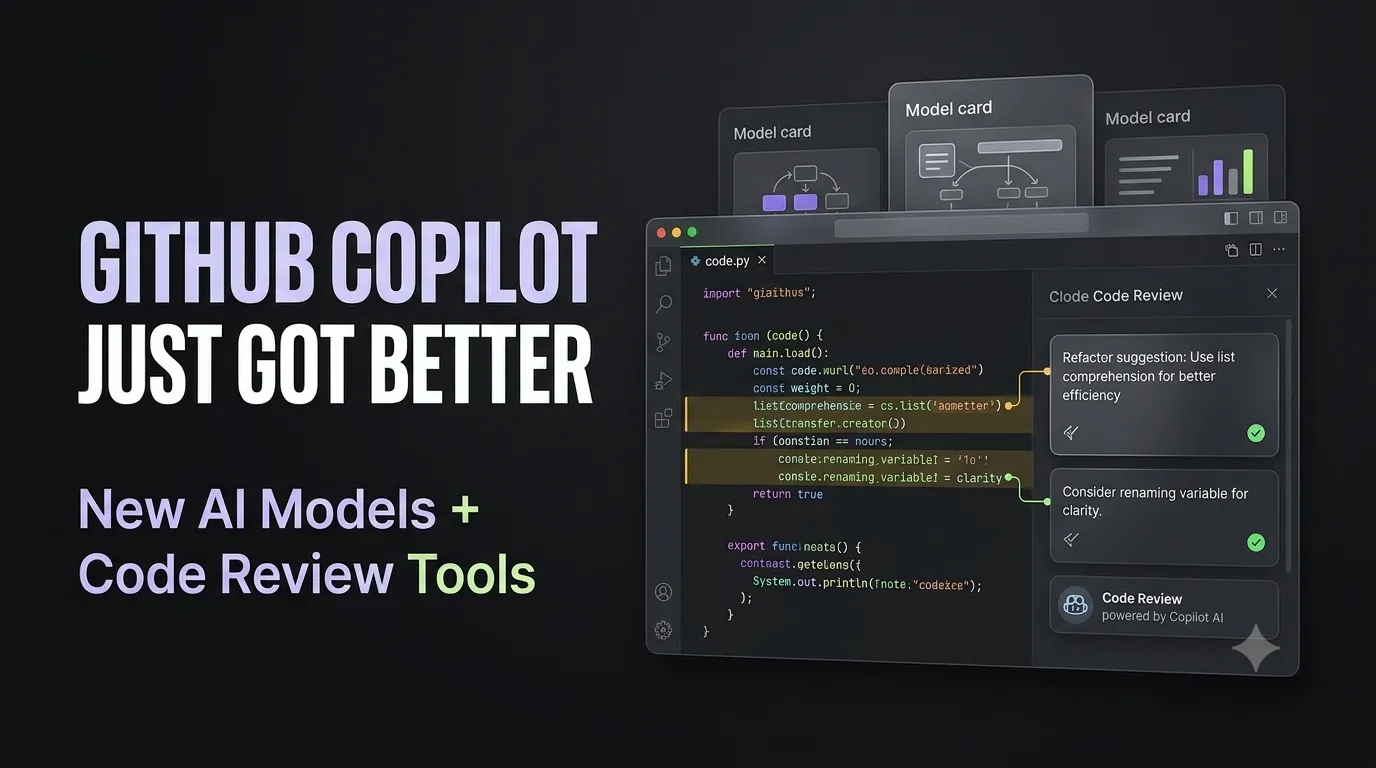
GitHub’s latest Copilot releases add new model-selection controls, improve code reviews, bring Sentry into the Copilot app, and expand agent capabilities in VS Code.
GitHub has rolled out a set of new GitHub Copilot updates as part of its September 14 weekly releases. The changes cover how Copilot selects AI models, how it reviews pull requests, and how developers can move from identifying an issue to working on a fix.
The update also adds new capabilities for the Copilot app and VS Code Agents, giving developers more control over AI-assisted development workflows. Here is what has changed and what each update means for developers.
Copilot Adds New Options for Choosing AI Models
GitHub Copilot now gives users more control over how its automatic model selection weighs different priorities. The new auto model-selection tiers are called Efficiency, Balance and Intelligence.
According to GitHub, all three tiers select from the same pool of available models, but they differ in how they weigh cost, quality and response time. The update is rolling out across VS Code, Copilot CLI and the Copilot app.
“Choose how Copilot weighs cost, quality, and response time with the new efficiency, balance, and intelligence tiers in auto model selection.”
This change gives developers a more direct way to align Copilot’s model selection with the requirements of a particular task. As AI tools become more deeply integrated into software development, understanding how AI models are used within development workflows is becoming increasingly relevant. Developers looking to build these skills can explore generative AI engineering to understand how AI models are applied in real-world applications.
Copilot Code Review Can Now Track What Has Been Fixed
GitHub has also updated Copilot code review to make follow-up reviews more useful. When developers address comments from an earlier review, Copilot can now recognise those changes during subsequent reviews and resolve the comments that have been addressed while leaving outstanding feedback open.
Copilot can also suggest commit messages when developers apply eligible code suggestions. Reviews can use shell tools to validate changes, while Lite reviews can combine findings from multiple agents.
“Copilot code review now resolves addressed comments during subsequent reviews, leaving outstanding feedback open.”
These changes bring more of the review process into the development workflow, reducing the need to manually track which findings have already been handled.
As AI tools become more involved in coding, testing and code review, developers can benefit from understanding how AI is integrated into software development workflows. Building skills in AI-powered software development can help developers work with these evolving tools more effectively.
Sentry Integration Connects Errors With Copilot-Assisted Fixes
The GitHub Copilot app now includes a Sentry canvas designed to help developers investigate production crashes and move towards a potential fix. Developers can review error reports, stack traces and related context, then work with Copilot to investigate the cause, validate a fix and prepare a pull request.
“Move from crash report to code fix with the new Sentry canvas in the GitHub Copilot app.”
The workflow connects error investigation, code changes and pull-request preparation in the same Copilot experience. This is particularly relevant to developers working with AI-assisted software development, where debugging and validating changes remain important parts of the development cycle.
As generative AI becomes more involved in these workflows, understanding how AI can be used to build, debug and improve applications is becoming increasingly relevant. Developers can build these skills through generative AI application development.
VS Code Agents Can Now Work With Local Dev Containers
GitHub has also expanded agent capabilities in VS Code. Agents can now run with a project's tools and dependencies using local Dev Containers in the Agents window.
The feature is rolling out gradually and requires Docker along with a supported Dev Container configuration. GitHub has also added the ability to create pull requests directly from Agent Host sessions in the Agents window. Developers can review the generated title and description, choose whether the pull request should be a draft, and create it directly or ask the agent to do so.
“Run agents with your project’s tools and dependencies using local Dev Containers in the Agents window.”
These updates bring AI agents closer to the environments developers already use for building and testing software. As AI agents begin working directly with development tools, dependencies and containers, familiarity with DevOps, cloud environments and development workflows is becoming increasingly relevant. Developers looking to build these skills can explore DevOps and cloud computing as a foundation for working with modern development environments.
Copilot’s New Controls Give Developers More Choice Over AI-Assisted Work
Taken together, the September 14 updates show GitHub expanding Copilot beyond code generation into more parts of the software development process. Developers can now adjust how automatic model selection balances cost, quality and response time, receive more detailed follow-up behaviour in code reviews, investigate Sentry errors with Copilot, and use agents with local development environments.
“The changes also point to a development workflow in which AI tools are used across coding, debugging, review and deployment rather than for a single task. “
As AI becomes part of coding, debugging, code review and deployment, developers increasingly need to understand how these tools fit into the broader software development process. This makes AI-powered full-stack development relevant for developers looking to work with AI-enabled development workflows.
GitHub Copilot Is Expanding Beyond Code Generation
GitHub’s latest Copilot releases show how AI-assisted development is moving beyond code generation into more stages of the software lifecycle. From choosing models based on cost, quality and response time to reviewing code, investigating production errors and running agents within development environments, the updates expand the ways developers can use Copilot during everyday development work.
For developers, these changes point to the growing importance of understanding programming, AI applications, code review, debugging and development environments. As AI becomes more closely integrated into development workflows, these skills can help developers understand and work with the tools shaping modern software development.




Get Free Counselling Today
and Clear up all your Doubts
 Live & recorded classes available at easeDashboard for progress trackingLakhs of practice questions

