
Java Variables Explained: How to Store and Update Values in a Program


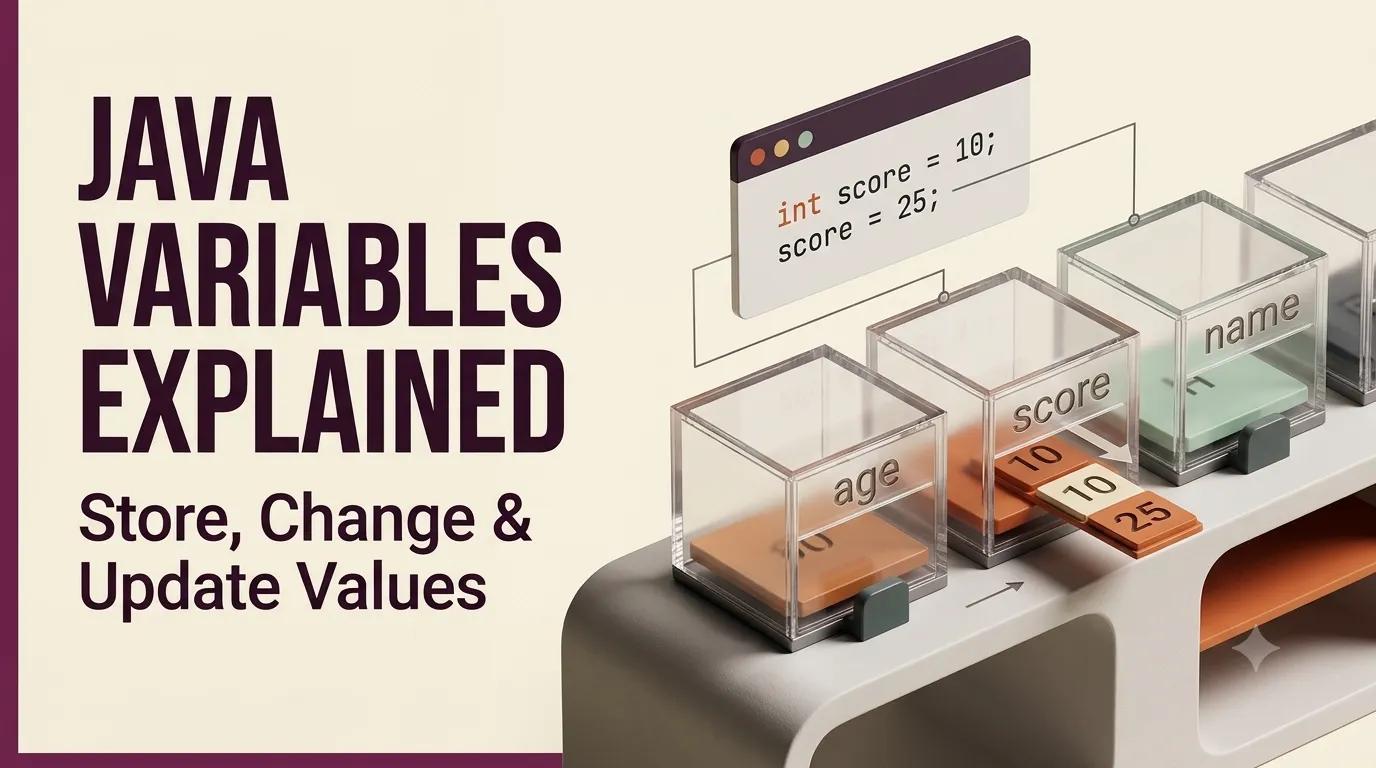
A Java programme needs a way to remember values while it runs. Whether it is a number, a mark or another piece of information, you need somewhere to store that value so you can use it later and change it when required.
That is where variables come in. A variable acts like a container that holds a value, and the value stored in it can be updated as your programme runs.
Let’s understand how Java variables work, how to declare and update them, use them in calculations, and follow the naming rules while creating them.
What Is a Variable in Java?
A variable is a container used to store a value.
int x = 5;
Here:
-
int tells Java what type of value is being stored.
-
x is the variable name.
-
5 is the value stored in the variable.
You can think of x as a container holding the value 5. The useful part is that the value inside the variable can be changed later.
Variables are one of the first building blocks you need when writing Java programmes. As you move from storing and updating values to solving larger programming problems, you’ll use variables throughout your code. PW Skills’ Decode Java with DSA Course takes these Java fundamentals further with DSA and problem-solving.
How to Declare a Variable in Java?
You can first declare a variable and then assign a value to it.
int x;
x = 5;
Here, int x; declares the variable, while x = 5; assigns the value 5 to it.
You can also declare the variable and assign its value in the same statement:
int x = 5;
This creates the variable and gives it a value at the same time.
Can Variables Store Different Types of Values?
Yes. Variables can store different types of values, depending on the data type used when declaring them.
int marks = 80;
double percentage = 85.5;
Here, int is used to store a whole number, while double can store a value with a decimal.
The important point is that the variable is declared with the appropriate data type for the value it needs to store.
Understanding data types helps you see how Java handles different kinds of values in a programme. If you want to learn more about these core programming concepts alongside Java, PW Skills’ Computer Science And Programming Fundamentals course covers the basics you’ll use while programming.
Can You Declare Multiple Variables in Java?
Yes. You can create multiple variables separately.
int x = 5;
int y = 10;
int z = 15;
You can also declare multiple variables of the same type in one statement:
int x = 5, y = 10, z = 15;
This allows you to store several related values using separate variable names.
How to Update a Variable in Java?
One of the most useful features of a variable is that its value can be changed.
Suppose you have:
int x = 5;
You can update the value later:
x = 10;
Now, x stores 10 instead of 5.
You do not need to declare x again because it has already been declared. You only need to assign a new value to it.
Updating a Variable Using Its Existing Value
You can also use the value already stored in a variable to update it.
int x = 5;
x = x + 5;
The existing value of x is 5. Java adds 5 to that value and stores the result back in x.
So, the updated value becomes:
x = 10;
The same approach can be used when you want to reduce a value:
x = x - 10;
This way, a variable can be updated using the value it already holds, which becomes useful when you start solving programming problems that involve changing values.
As you move from basic variables to actual coding problems, PW Skills’ Decode C++ with DSA Course also covers programming and problem-solving concepts using C++.
How to Use Variables in Calculations?
Once values are stored in variables, you can use those variables in calculations.
int x = 5;
int y = 10;
int sum = x + y;
Here:
-
x stores 5.
-
y stores 10.
-
x + y adds the two stored values.
-
sum stores the result of the calculation.
So, the value of sum becomes 15.
Variables make it possible to store values first and then use those values in calculations instead of writing the numbers directly each time.
How to Choose Variable Names in Java?
A variable name should make it clear what the variable represents.
int x = 90;
This works, but x does not tell you what the value represents.
A more meaningful name would be:
int mathsMarks = 90;
int englishMarks = 85;
Here, mathsMarks and englishMarks make it easier to understand what the stored values represent.
Basic Variable Naming Rules in Java
Java has some rules that you need to follow when creating variable names:
-
A variable name can start with an alphabet.
-
It can also start with an underscore (_).
-
It cannot start with a number.
-
Special characters are not allowed, except for an underscore.
-
Java keywords cannot be used as variable names.
-
Java treats uppercase and lowercase letters as different.
For example, these are not valid variable names:
2marks
maths-marks
A name such as mathsMarks follows the basic naming rules and also makes the purpose of the variable clear.
A Simple Java Program Using Variables
You can bring these concepts together in a simple Java programme:
public class Basics {
public static void main(String[] args) {
int x = 5;
int y = 10;
int sum = x + y;
System.out.println(sum);
}
}
In this programme:
-
x stores 5.
-
y stores 10.
-
sum stores the result of x + y.
-
System.out.println(sum); displays the result.
The output will be:
15
This simple example shows how variables can store values, how those values can be used in a calculation, and how the result can be stored in another variable.
Why Are Variables Important in Java?
Variables give a programme a way to store and work with information.
Instead of writing the same value repeatedly, you can store it in a variable and use that variable wherever the value is needed.
Variables also allow values to change while the programme runs. For example:
int x = 5;
x = 10;
x = x + 5;
The value of x changes from 5 to 10 and then to 15.
Understanding how to declare, use and update variables gives you an important foundation for solving Java programming problems.
As you start working on larger programmes, you’ll use variables to store values, perform calculations and work with changing data. PW Skills’ Decode Programming Powerhouse brings these programming concepts together with Java, Python, C and DSA.
What to Learn After Java Variables?
Variables are one of the basic building blocks of Java programming. Once you understand how to store, use and update values, you can move on to writing more programming problems and working with concepts such as input, operators and other Java fundamentals.
If you want to learn another programming language alongside DSA, PW Skills’ Decode Python with DSA Course 1 takes a similar programming approach using Python.
Key Takeaways
-
A variable is a container used to store a value.
-
A variable can be declared and assigned a value separately or in the same statement.
-
The data type tells Java what type of value a variable can store.
-
Multiple variables can be declared in Java.
-
The value stored in a variable can be updated.
-
You can use an existing variable value in a calculation and assign the result back to the variable.
-
Meaningful variable names make code easier to understand.
-
Variable names must follow Java's naming rules.
-
Variables can be used to store values, perform calculations and work with changing information in a programme.
Start Using Variables in Your Java Programmes
Variables may look simple, but they are used throughout a Java programme to store information, perform calculations and work with values that can change. Once you understand how to declare a variable, assign a value, update it and use it in calculations, you have covered an important part of the Java basics.
The next step is to practise these concepts by writing small programmes and working with inputs, operators and other Java fundamentals. With regular practice, variables become less of a separate concept and more of a natural part of writing Java code.