
How to Check CBSE Class 12th Result on UMANG App? (Result Out on May 13, 2026)

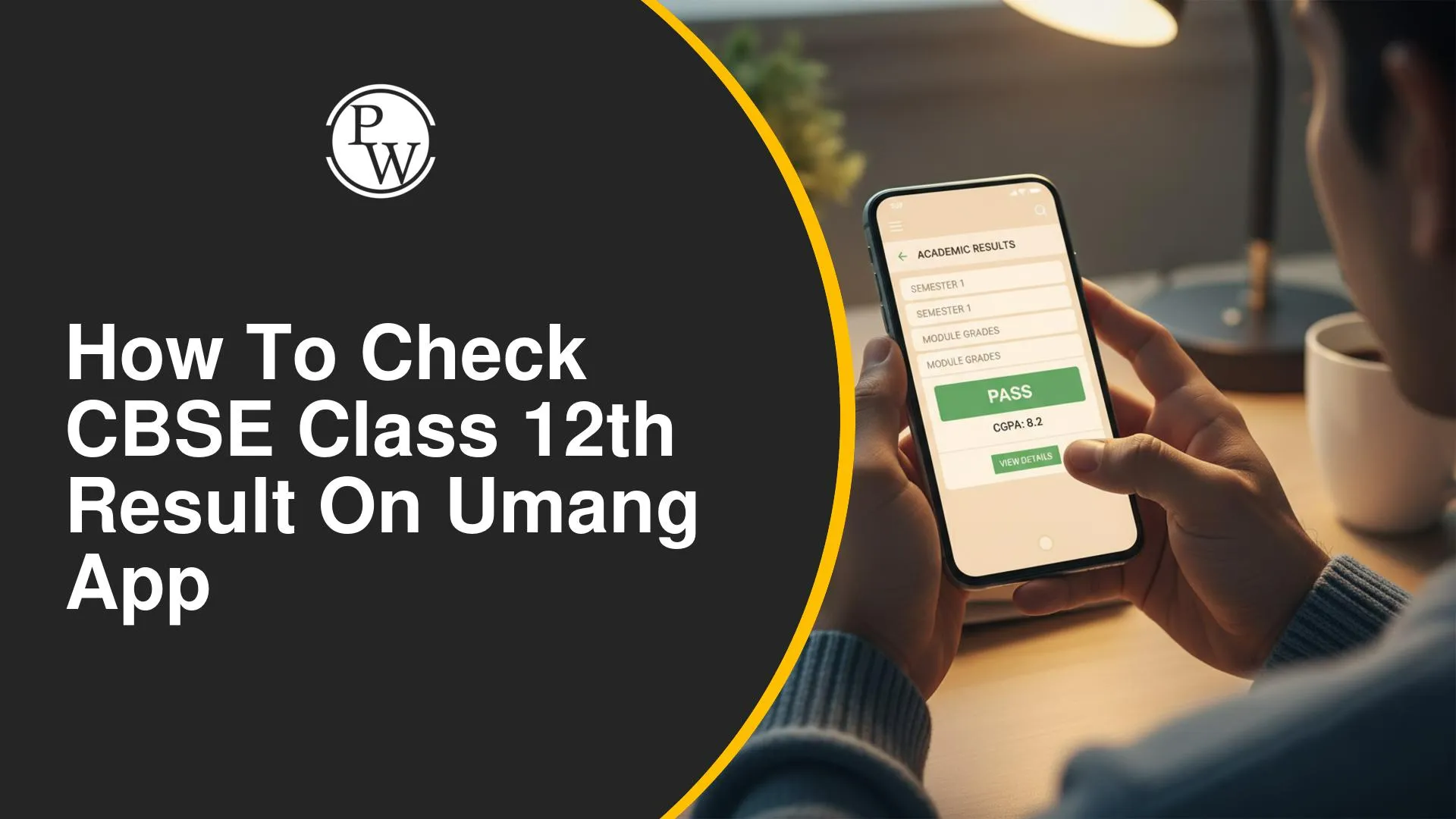
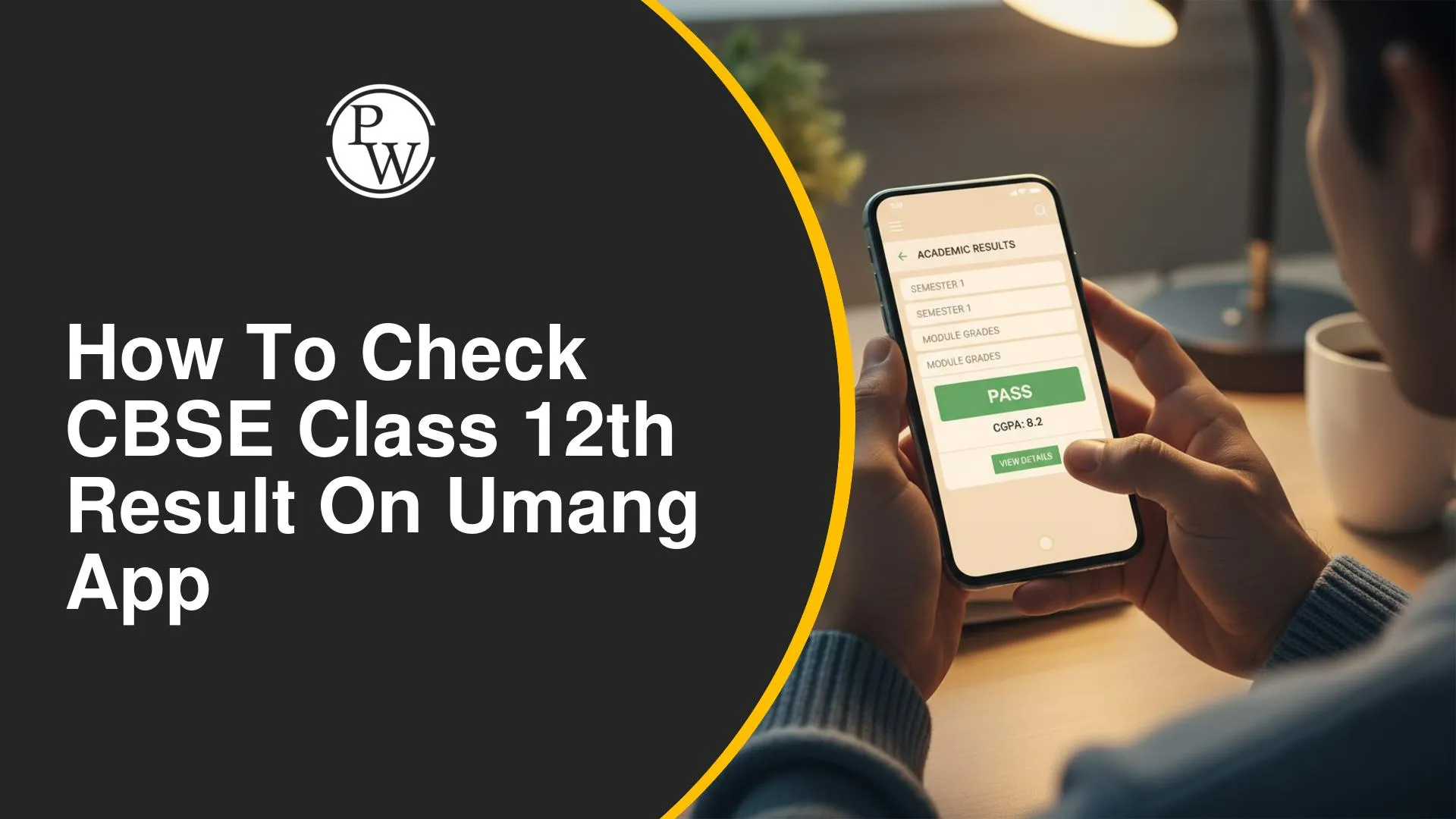

What is the Umang App?
Launched by the Government of India under the Digital India initiative, Umang (Unified Mobile Application for New-age Governance) is an all-in-one government services app. It brings together services from CBSE, EPFO, Aadhaar, PAN, and over 1,300 other government departments on one platform.
For students, Umang is one of the most reliable ways to check board results — especially when official websites are overloaded.
Why use Umang? Unlike the official CBSE website which often slows down on result day, Umang processes requests in the background and provides faster access to your scorecard.
Before You Begin – What You Need
-
A smartphone (Android or iOS)
-
Umang App installed (download from Play Store or App Store)
-
Your CBSE Class 12 Roll Number (printed on your admit card)
-
Your Date of Birth
-
A stable internet connection
How to Check CBSE Class 12 Result on Umang App – Step by Step
Step 1 – Download & Install the Umang App
If you haven't already, download the Umang App from the Google Play Store (Android) or Apple App Store (iOS). It is free to download and use.
Step 2 – Register or Log In
Open the app and register using your mobile number. An OTP will be sent to verify your number. If you already have an account, simply log in.
Step 3 – Search for CBSE Services
-
On the home screen, tap the Search bar at the top.
-
Type"CBSE"in the search box.
-
From the results, tap on"CBSE" under the education section.
Step 4 – Select "Result" Option
-
Once inside the CBSE section, you will see multiple service options.
-
Tap on"Result"or"Class 12 Result".
-
Choose the relevant academic year (e.g., 2025).
Step 5 – Enter Your Details
-
Enter your Roll Number as printed on your CBSE admit card.
-
Enter your date of birth in DD/MM/YYYY format.
-
Tap the"Submit" or"Get Result" button.
Step 6 – View & Download Your Marksheet
-
Your CBSE Class 12 scorecard will appear on screen within seconds.
-
Review subject-wise marks, total marks, and pass/fail status.
-
Tap"Download" to save a digital copy of your marksheet.
Important: The digital marksheet from Umang is for reference purposes. For admissions, you must submit the original marksheet issued by CBSE.
CBSE Result Class 12th 2026 – Other Ways to Check
| Class 12CBSE Result – Other Ways to Check | |||
| Method | Platform | Speed on Result Day | Availability |
| Umang App | Android / iOS | Fast | 24/7 |
| cbseresults.nic.in | Website | Slow (overloaded) | Result day only |
| DigiLocker | App / Web | Moderate | 24/7 |
| SMS | Mobile | Fast | Result day |
| IVRS (Toll-free) | Phone call | Moderate | Limited hours |
CBSE Result Class 12th 2026 Common Errors & How to Fix Them
| CBSE Result Class 12th 2026 Common Errors & How to Fix Them | ||
| Error | Likely Cause | Solution |
| Result not found | Wrong roll number | Re-check admit card carefully |
| App not loading | Poor internet connection | Switch to mobile data or stable Wi-Fi |
| OTP not received | Network delay | Tap "Resend OTP" after 60 seconds |
| Server busy message | High traffic on result day | Try again after 10–15 minutes |
| Wrong DOB error | Incorrect format entered | Enter as DD/MM/YYYY exactly |
CBSE Class 12 Result – Key Facts & Insights
-
CBSE Class 12 results are typically declared in May–June each year.
-
Students need to score at least 33% in each subject to pass.
-
Compartment exams are available for students who fail in one or two subjects.
-
CBSE result is accepted by all major colleges and universities across India.
-
Verified marksheets and certificates are issued by DigiLocker within hours of result declaration.
-
Students can apply for re-evaluation or verification of answer sheets within 15 days of result.
How To Check CBSE Class 12th Result on Umang App FAQs
How can I check CBSE Class 12 result on the UMANG app?
Is the UMANG app result valid for admission?
What should I do if the CBSE result is not loading on UMANG?
Do I need to register on the UMANG app to check my result?


Have questions about your prep?
Our experts can answer all your questions