How to Download CBSE Marksheet from DigiLocker After Result 2026

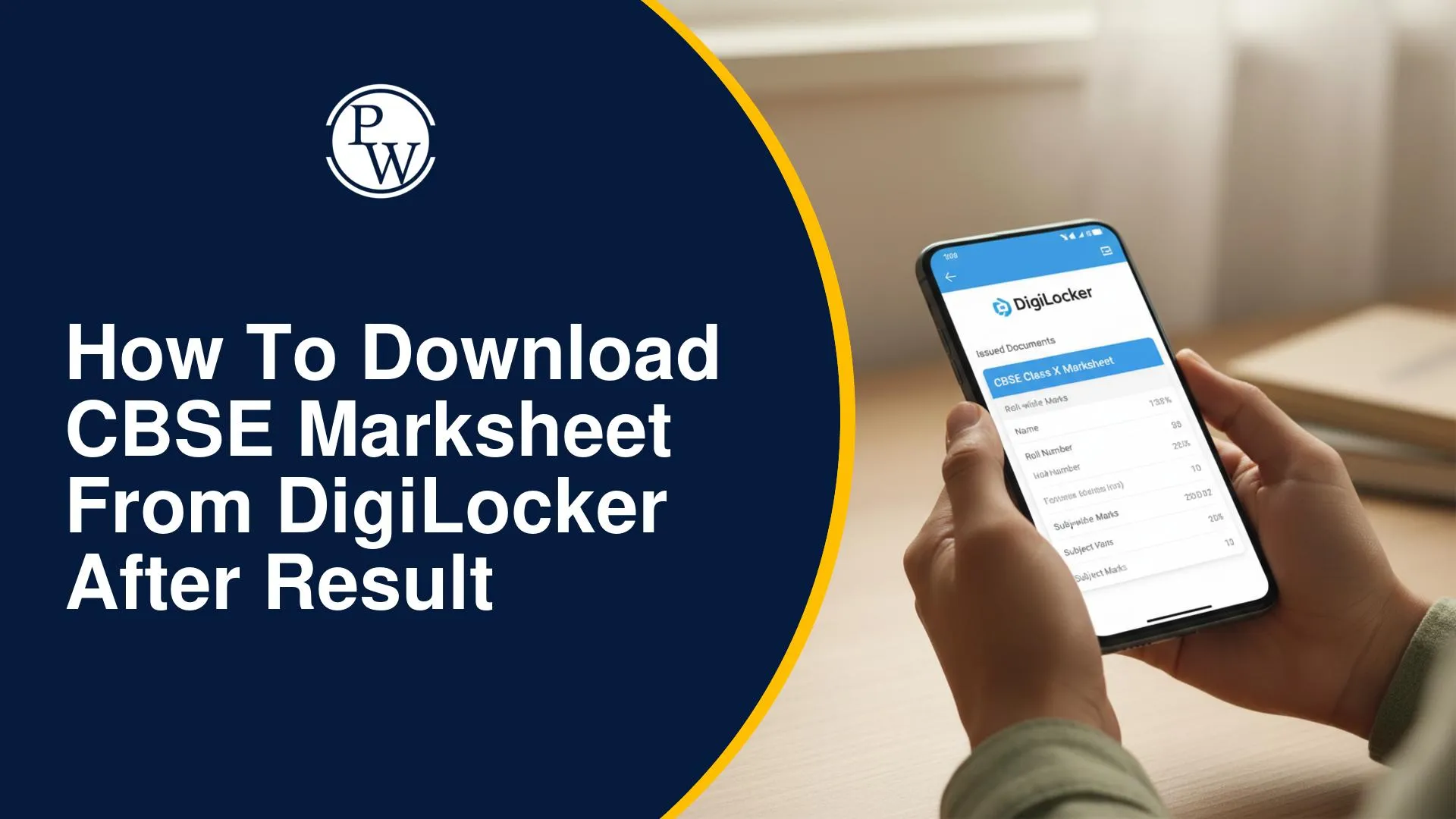
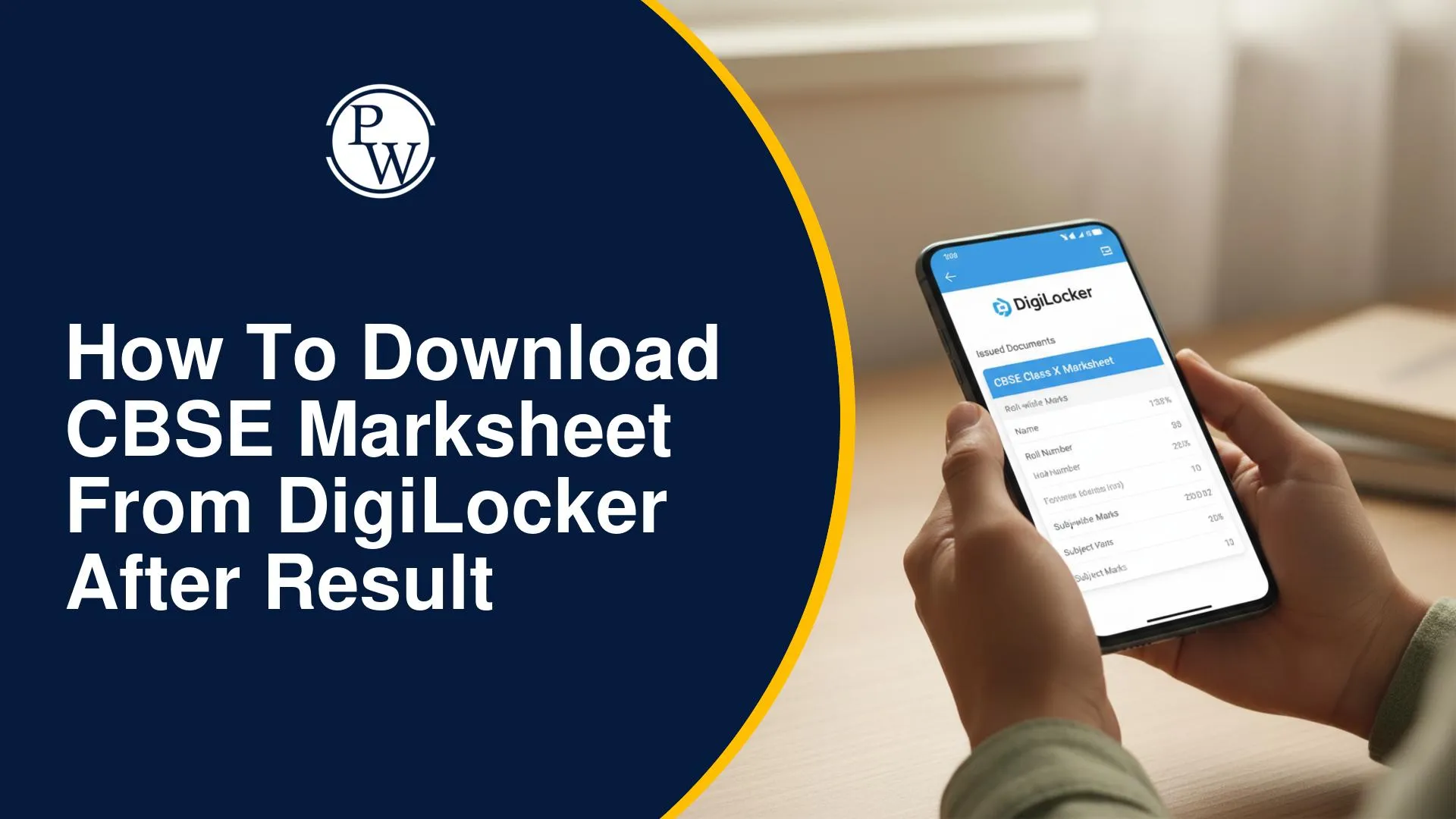
The long-awaited moment for millions of students has arrived as CBSE announced the CBSE board class 10th exam results today, April 15. While the official results portal often faces heavy traffic, the board has integrated with DigiLocker to ensure every student can access their official passing certificates and marksheets without delay.
These digital documents are legally valid under the IT Act and are essential for immediate use in higher education admissions. This CBSE result marksheet download guide provides a simple, step-by-step path to securing your documents today.
CBSE Marksheet Download DigiLocker 2026 Overview
CBSE has streamlined the process this year by linking results with the APAAR ID (Automated Permanent Academic Account Registry). Whether you have an APAAR ID or not, you can still access CBSE marksheet online using the digital locker facility.
|
CBSE Marksheet Download DigiLocker 2026 Overview |
|
|
Event Details |
Information |
|
Exam Board |
Central Board of Secondary Education (CBSE) |
|
Result Declaration Date |
15 April 2026 |
|
Documents Available |
Digital Marksheet, Migration & Passing Certificate |
|
Primary Platforms |
DigiLocker (Web/App), UMANG App |
|
Credentials Needed |
Roll Number, School Code, and 6-digit Security PIN |
How to Get CBSE 10th Marksheet Online: Step-by-Step
For students looking for the CBSE marksheet download DigiLocker 2026 process, follow these instructions to get your scorecard instantly:
-
Open DigiLocker: Visit the official portal (digilocker.gov.in) or open the DigiLocker app on your mobile.
-
DigiLocker CBSE marksheet login process: Sign in using your Aadhaar or mobile number. If you have an APAAR ID already linked with CBSE, your documents will automatically appear in the 'Issued' section.
-
Find the Education Section: Navigate to 'Education' and select 'Central Board of Secondary Education (CBSE)'.
-
Choose Document: Select 'Class X Marksheet'.
-
Submit Details: Enter your Roll Number, Year of Passing (2026), and the School Code.
-
Fetch Document: Click on 'Get Document'. Your DigiLocker CBSE 10th marksheet PDF will be fetched from the CBSE database and stored permanently in your account.
CBSE Digital Marksheet from DigiLocker – How to Download
Download CBSE Certificate DigiLocker Step by Step (Without School PIN)
Many students wonder how to access CBSE marksheet online if they haven't received their PIN. While the school-issued 6-digit security PIN is the standard way to activate the account, students with a linked Aadhaar and mobile number can often log in directly. If you are trying a CBSE marksheet download without school codes, ensure your Aadhaar is updated and linked to your board registration. If the PIN is missing, you must contact your school principal immediately as the board sends these codes directly to school authorities for student safety.
Benefits of DigiLocker CBSE Result Document Download
-
Legal Validity: Digital documents on DigiLocker are equivalent to original hard copies for all official purposes, including college counseling.
-
QR Code Verification: Each CBSE digital marksheet 2026 contains a secure QR code for instant verification by employers or universities.
-
Zero Risk of Loss: Unlike physical copies, your digital certificates are safe in the cloud and can be downloaded anytime.
How to Check CBSE Class 10 Result 2026 on Website?
Before downloading the detailed marksheet, students can check their scores directly on the official portal. Follow these steps to access your result:
-
Visit Official Sites: Go to the official CBSE websites at cbse.gov.in or cbseresults.nic.in.
-
Select Result Link: Open the "Secondary School Examination (Class X) Results 2026" link available on the homepage.
-
Enter Credentials: Carefully enter your Roll Number, School Number, Admit Card ID, and Date of Birth.
-
Submit Details: Click on the 'Submit' button.
-
View Scores: The result will appear on the screen.
-
Save Copy: Download and save the scorecard for later use.
For the latest updates, students should keep checking the official CBSE website frequently.
CBSE Marksheet Download 2026 FAQs
Q1. Is the DigiLocker marksheet valid for regular college admissions?
Q2. What if my DigiLocker account is not showing the 2026 marksheet?
Q3. How do I get my 6-digit security PIN for DigiLocker?
Q4. Can I download my Migration Certificate through this process?


Have questions about your prep?
Our experts can answer all your questions