

ICSE Class 10 Result 2026 OUT Today at 11 AM Direct Link to Download



ICSE Class 10th Result 2026 has been announced on 30 April 2026:
-
ICSE Class 10th Result 2026 Update: 30 April 2026
-
ICSE Class 10th Result 2026 Time: At 11 AM
The exams were conducted from February 17 to March 30, 2026.
ICSE Class 10th Result 2026 Link
The ICSE Class 10th Result 2026 will be released on 30 April 2026 by the Council for the Indian School Certificate Examinations. The official result link will be active on the CISCE website, allowing students to check their scores online.
To access the ICSE 10th Result 2026, students need to visit the official result portal and log in using their unique ID and required credentials. Over 4 lakh students appeared for the examination, which was conducted from 17 February to 30 March 2026.
Students can access the ICSE Class 10th Result 2026 Link through the official websites:
-
cisce.org
Make sure to keep your login credentials ready to avoid last-minute hassle.
Login Details Required to Check ICSE Result 2026
To download your result, you’ll need:
-
UID (Unique ID)
-
Index Number
-
Captcha Code
Alternative Ways to Check ICSE Class 10 Result 2026 – Website, SMS & DigiLocker
How to Check ICSE Class 10th Result 2026 Online
Follow these simple steps:
-
Visit the official website – results.cisce.org
-
Click on “ICSE Result 2026” link
-
Enter UID, Index Number, and Captcha
-
Click on “Show Result”
-
Your ICSE Class 10th Result 2026 will appear
-
Download and print the marksheet
How to Check ICSE Result 2026 via SMS
If internet access is an issue, use SMS:
-
Type: ICSE <UniqueID>
-
Send to: 09248082883
Example: ICSE 1786257
You will receive your result directly on your phone.
Check ICSE Result via Mobile App
Students can also use the official app:
Steps:
-
Download ICSE Board Result App
-
Tap on “Check ICSE Result”
-
Enter credentials
-
View your result instantly
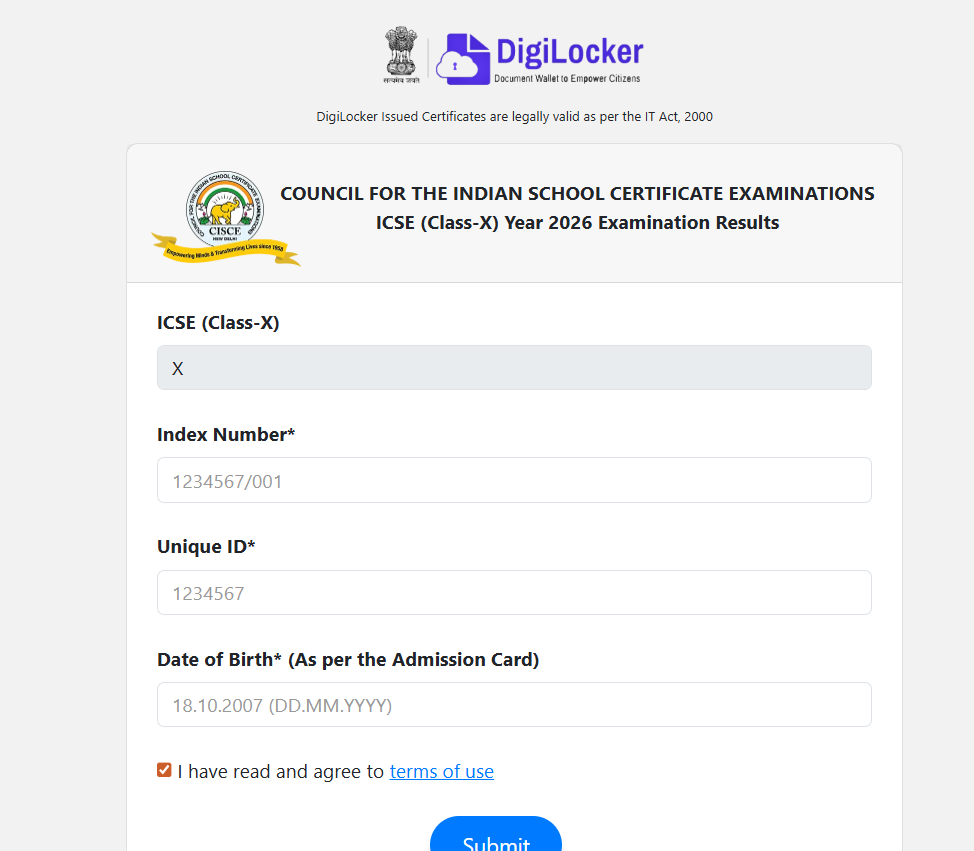
Download ICSE Class 10 Result via DigiLocker
DigiLocker allows students to access digital marksheets securely.
Steps:
-
Visit digilocker.gov.in
-
Register using mobile number
-
Log in to your account
-
Enter ICSE roll number and Aadhaar
-
Download your marksheet and certificate
ICSE Class 10th Result 2026: Rechecking & Revaluation
If you are not satisfied with your marks:
-
Apply for rechecking first
-
Then apply for re-evaluation (if needed)
-
Applications are available on the CISCE portal
-
Re-evaluation window opens for 3 days only after recheck results
Students can also appear for improvement exams in up to two subjects.
What To Do After ICSE Class 10th Result 2026
After downloading your result:
-
Verify all details carefully
-
Compare marks with your target goals
-
Apply for rechecking if needed
-
Choose stream for Class 11 (Science, Commerce, Arts)
-
Keep a printed copy for future use
ICSE Class 10th Result 2026 FAQs
When will ICSE Class 10th Result 2026 be declared?
Where can I check ICSE Class 10th Result 2026?
What details are required to check ICSE Result 2026?
Can I check ICSE Result 2026 without internet?
How to download ICSE marksheet online?


Have questions about your prep?
Our experts can answer all your questions