







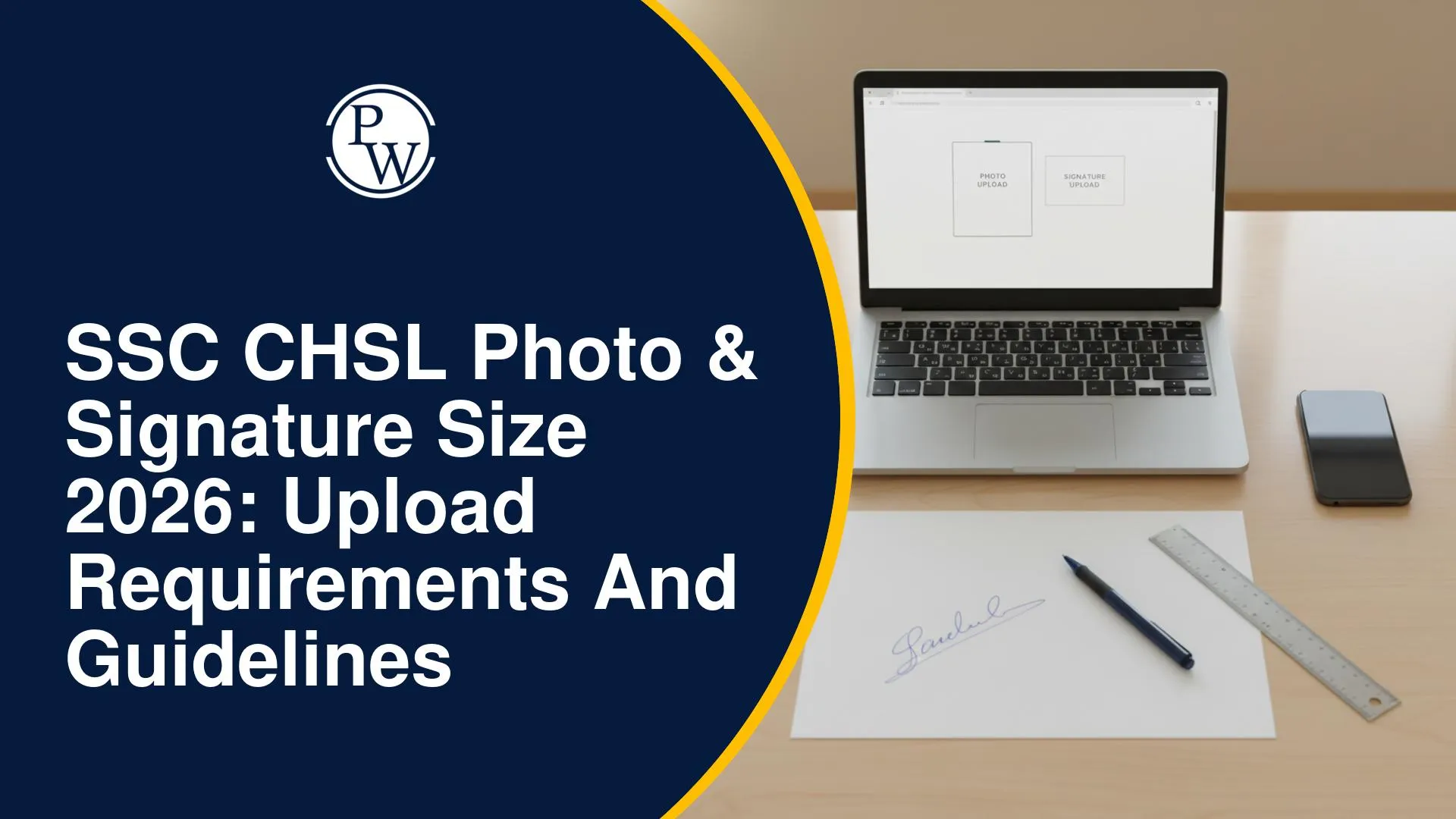
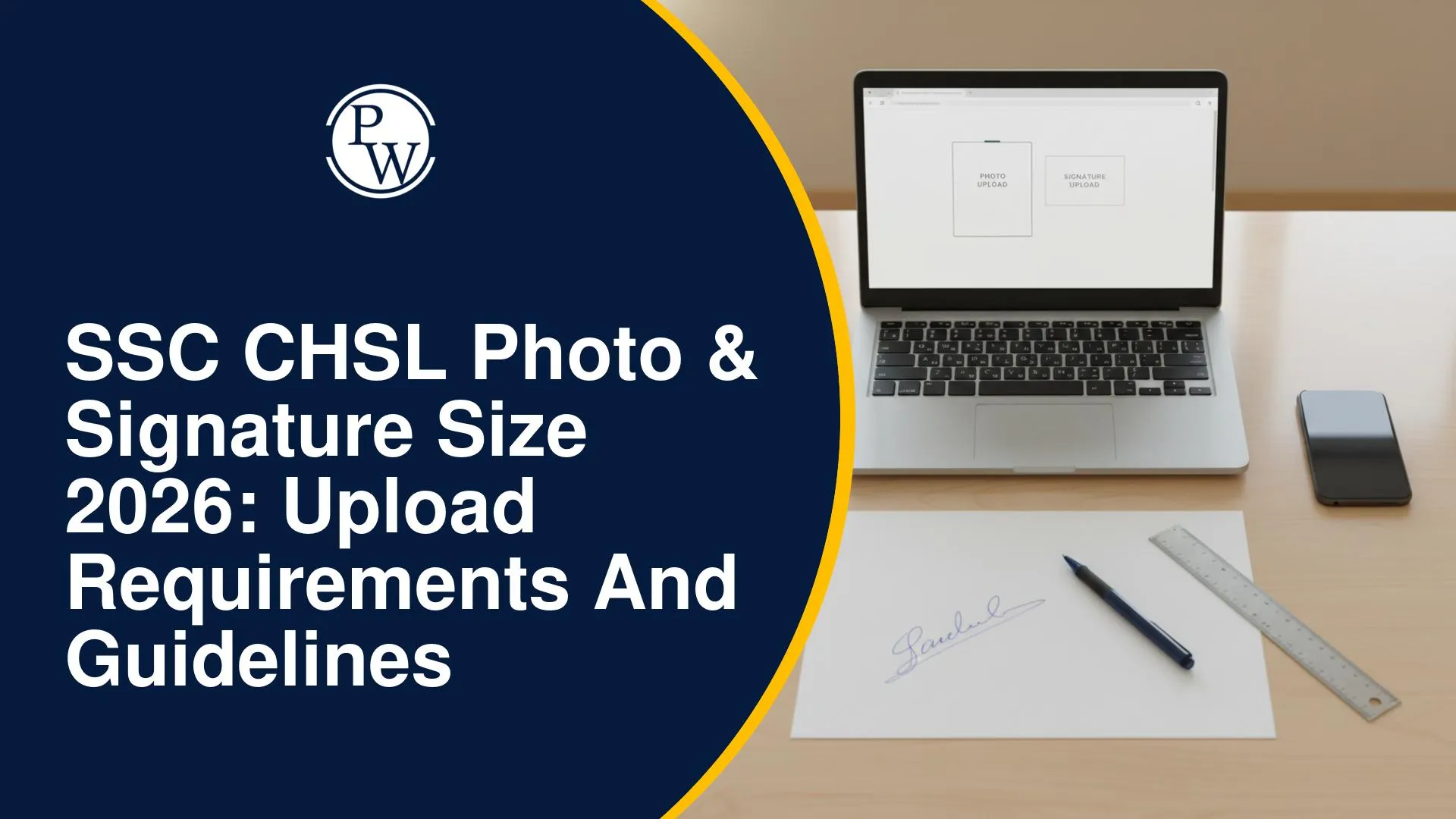
SSC CHSL Photo & Signature Size 2026: Upload Requirements and Guidelines
SSC CHSL 2026 requires candidates to capture their photograph live through the application module, while the signature must be uploaded in JPEG/JPG format, 10–20 KB, with dimensions of about 6.0 × 2.0 cm. Check photo guidelines, upload steps, and common rejection reasons.
Uploading the correct SSC CHSL photo and signature is essential to avoid application rejection due to incorrect specifications. Candidates should carefully follow the photo capture and signature upload requirements prescribed by SSC for the 2026 application process.
For SSC CHSL 2026, the photograph is captured live through the application module, while the signature must be uploaded in the prescribed JPEG/JPG format, size, and dimensions. Understanding these requirements beforehand can help candidates complete the application correctly.
Latest Update on SSC CHSL Exam
The SSC CHSL 2026 application process is now underway, with registrations open from 7 September to 7 October 2026. Candidates can pay the application fee until 8 October, and the correction window will be available from 14 to 16 October 2026. The Tier 1 and Tier 2 exam dates are yet to be announced by SSC.
SSC CHSL Photo Requirement 2026
The most important thing to understand about the SSC CHSL photo size requirement is that, unlike many other government exam forms, candidates are not required to upload a pre-existing photograph. As per the official notice, the application module itself captures the candidate's photograph live while filling out the application form.
The notice states that the candidate has to stand or sit before the camera when prompted by the application module and follow the prescribed instructions while the photograph is being captured.
In no case should a candidate capture a photograph of his/her existing (pre-clicked) photo - the notice specifically warns that any such application will be rejected.
SSC CHSL Photo Guidelines 2026: What to Follow While Capturing
As per the official notice, candidates must follow these instructions while the photograph is being captured through the application module:
-
Find a place with good light and a plain background.
-
Ensure the camera is at eye level before taking the photo.
-
Position yourself directly in front of the camera and look straight ahead.
-
Ensure that your face is fully inside the area delineated by the camera - it should be neither too close nor too far, and no part of the face should fall outside the frame.
-
Do not wear a cap, mask, or glasses/spectacles while capturing the photo.
The notice also states that the photograph captured should be clear, without a cap or spectacles, and should show a full frontal view. If the photograph captured is not as per instructions, candidates are advised to recapture it before final submission.
SSC CHSL Signature Size 2026
Unlike the photograph, the signature has clearly defined technical specifications for upload. As per the official notice, here are the SSC CHSL signature requirements:
|
Requirement |
Specification |
|
File Format |
JPEG/JPG |
|
File Size |
10 KB to 20 KB |
|
Image Dimension |
About 6.0 cm (width) x 2.0 cm (height) |
Applications with blurred or miniature signatures that do not meet these specifications are liable to be rejected summarily, as per the official notice.
Steps to Capture Photo and Upload Signature for SSC CHSL 2026
Based on the official instructions, here is the sequence candidates should follow:
-
Prepare for the photo capture: Choose a well-lit area with a plain background, and remove any cap, mask, or spectacles before the application module prompts you for the camera capture.
-
Position yourself correctly: Keep the camera at eye level, look straight ahead, and ensure your full face fits within the camera frame - not too close, not too far.
-
Capture the live photo: Let the application module click your photograph directly; do not photograph an existing printed or saved photo.
-
Scan and prepare your signature: Sign on plain paper and scan it to create a digital image in JPEG/JPG format.
-
Check the file size and dimensions: Ensure the scanned signature file is between 10 KB and 20 KB, with dimensions of approximately 6.0 cm (width) x 2.0 cm (height).
-
Upload the signature as part of the online application form.
-
Use the Preview/Print option before final submission to check that both the photograph and signature meet all the requirements mentioned in the notice.
Common Mistakes That Lead to Rejection of SSC CHSL Photo/Signature
As per the official notice, the following mistakes can lead to summary rejection of the application:
-
Capturing a photo of a pre-existing photograph instead of a live capture through the application module.
-
Wearing a cap, mask, or spectacles/glasses while the photo is being captured.
-
Face not fully visible within the camera frame, or an image that is not a full frontal view.
-
Blurred or miniature signature that does not meet the prescribed format, file size, or dimensions.
-
Mismatch in appearance on the day of examination compared to the photograph submitted in the application, since the notice cautions that a candidate's appearance during the examination should match the application photograph.
Aadhaar Authentication Exemption for Photo and Signature
The official notice provides an important exemption for candidates who opt for Aadhaar Based Authentication while completing their One-Time Registration (OTR). As per the notice, applications of candidates who opt for Aadhaar Authentication will not be rejected on the ground that the photograph and/or signature uploaded are not as per the prescribed standards.
Such candidates are also not required to produce recent colour photographs or original valid Photo-ID proof for admission to the examination venue at the time of the Computer Based Examination, unlike candidates who have not undergone Aadhaar-based verification.
Important Points to Remember While Uploading SSC CHSL Photo and Signature
Candidates should check these key photo and signature requirements carefully to avoid errors or rejection during the SSC CHSL 2026 application process.
-
The photograph for SSC CHSL 2026 is captured live through the application module; there is no need to upload a pre-existing photo file.
-
The signature must be uploaded as a JPEG/JPG file, sized between 10 KB and 20 KB, with dimensions of about 6.0 cm x 2.0 cm.
-
Photos with a cap, mask, or spectacles, or that are not a clear full-frontal view, are not acceptable as per the notice.
-
Blurred or miniature signatures not meeting the prescribed format will lead to summary rejection.
-
Candidates who complete Aadhaar Based Authentication are exempted from rejection on grounds of photograph/signature standards.
-
Always use the Preview/Print option before final submission to verify that the photograph and signature meet all requirements.
-
The candidate's appearance on the exam day should match the photograph submitted in the application form.
Note: This information is based strictly on the official SSC CHSL 2026 notice dated 07.09.2026. Candidates should refer to the complete notice and Annexure-III (Procedure for Filling Online Application) on ssc.gov.in for step-by-step application guidance.
Get Preparation Support from PW for SSC CHSL
Candidates preparing for SSC CHSL can use structured study resources, practice material and mock tests to strengthen preparation. For the exam, preparation should be aligned with the pattern coverage mentioned in the official SSC notice.
|
Feature |
Details |
|
Course |
|
|
Mode |
Live + Recorded Classes |
|
Study Material |
Notes, PDFs & Practice Questions |
|
Practice |
Mock Tests & Previous Year Questions |
Following the SSC CHSL Photo & Signature Size 2026 guidelines is important to avoid application rejection. Candidates should capture the photo live as instructed and upload the signature in the prescribed format and size. Checking all details before final submission can help ensure a smooth application process.
Related Resources
SSC CHSL Photo & Signature Size Rules FAQs
What is the SSC CHSL photo size requirement for 2026?
What is the SSC CHSL signature size for 2026?
Can candidates upload an old or pre-existing photograph for SSC CHSL?
What happens if the photo or signature does not meet the guidelines?


Have questions about your prep?
Our experts can answer all your questions



 Live & recorded classes available at easeDashboard for progress trackingLakhs of practice questions

