SSC MTS Admit Card 2026 Not Showing? Why Your Hall Ticket is Missing and How to Fix It
SSC MTS Admit Card 2026 may not show due to incorrect login details, server issues, incomplete application, or region-wise release delays. Check your SSC region website, re-verify credentials, clear cache, or contact SSC if the issue continues.

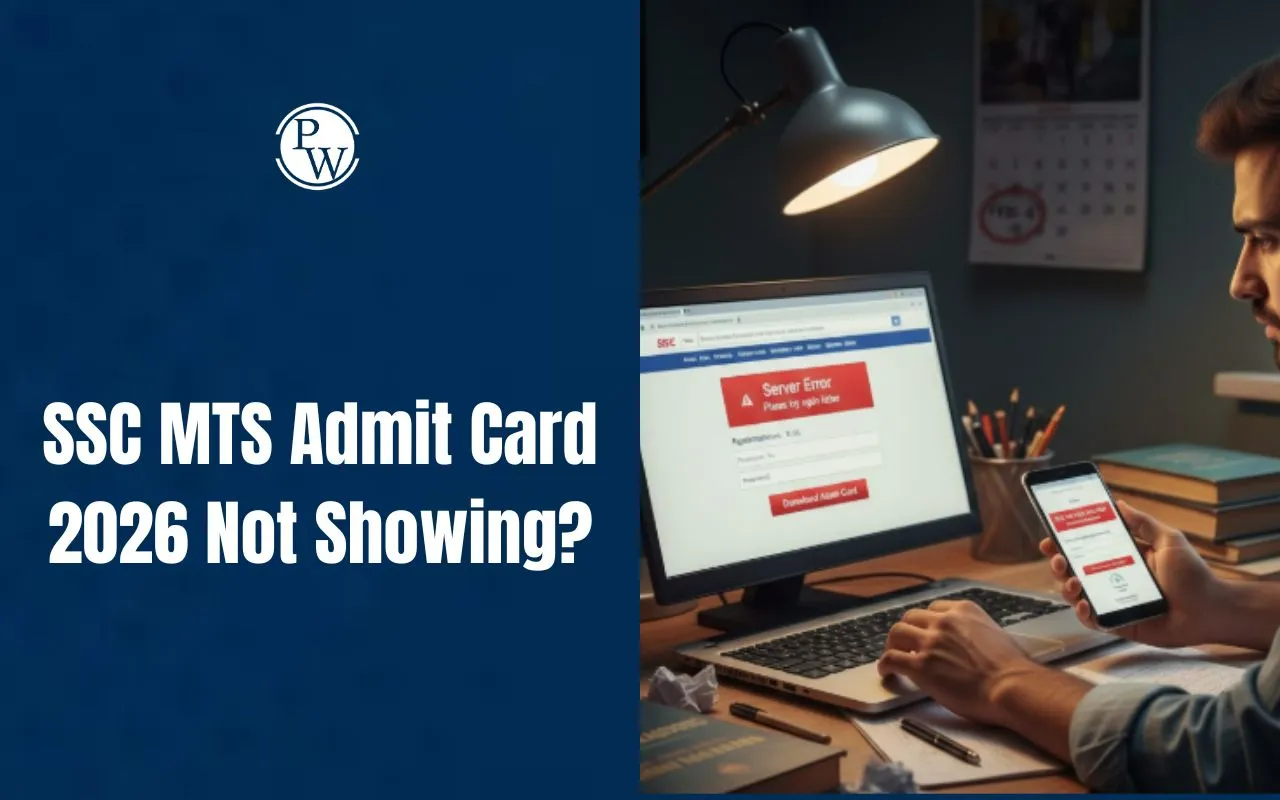
With the SSC MTS & Havaldar Tier-1 Exam set to kick off on February 4, 2026, a wave of panic has hit candidates as many report that their admit cards are "not showing" or are unavailable for download on the official portal.
While the Staff Selection Commission (SSC) has officially activated the download links, thousands of aspirants are currently facing technical glitches or "Application Status" hurdles. If you are one of them, here is why your SSC MTS Admit Card 2026 might be missing and the urgent steps you need to take.
Also Read: How to Download SSC MTS Admit Card 2026
Top 5 Reasons Why Your SSC MTS Admit Card is Not Showing
1. The "2-Day Rule" is in Effect
The most common reason is the SSC's phased release policy. While the exam starts on February 4, admit cards are generated only 2 to 3 days before your specific exam date.
-
Scenario: If your exam is on February 10, your hall ticket will likely appear on February 7 or 8.
-
Solution: Check your City Intimation Slip (released on Jan 30) to confirm your exact SSC MTS Exam Date.
2. Regional Website Confusion
Many candidates check only the main ssc.gov.in portal. However, SSC releases admit cards through Regional Websites (NR, CR, WR, etc.).
-
Solution: Go to the specific regional website where you submitted your application (e.g., sscnr.nic.in for the Northern Region).
3. Application Rejection
If your application was rejected due to an invalid photograph, blurred signature, or incomplete fee payment, your admit card will not be generated.
-
Solution: Log in to the portal and check your "Application Status." If it shows "Rejected," you will not be able to appear for the exam.
4. Heavy Server Traffic
With over 36 lakh applicants, the servers often crash or slow down immediately after the link goes live.
-
Solution: Avoid peak hours. Try downloading late at night or early in the morning when server load is minimal.
5. Incorrect Credentials
Small typos in the Registration Number or Date of Birth (DOB) often lead to "Record Not Found" errors.
-
Solution: Ensure you are using the New OTR (One Time Registration) ID and that your DOB is entered in the correct format (DD/MM/YYYY).
Step-by-Step Recovery: How to Get Your Hall Ticket
-
Check Exam City Slip: Confirm your exam date. If the exam is more than 3 days away, wait.
-
Verify Regional Link: Use the table below to find your correct regional portal:
-
Northern Region (Delhi, Rajasthan, Uttarakhand): sscnr.nic.in
-
Central Region (UP, Bihar): ssc-cr.org
-
Eastern Region (WB, Odisha, Jharkhand): sscer.org
-
Clear Browser Cache: Sometimes old data prevents the new link from appearing. Use Incognito/Private mode.
What to do if the problem persists?
If your exam is in less than 48 hours and the admit card is still not showing, you must act immediately:
-
Contact Helpdesk: Reach out to your concerned Regional Office via email or helpline.
-
Visit the Regional Office: In extreme cases, candidates can visit the SSC Regional Headquarters with proof of application and payment to get a duplicate admit card.
Final Reminder: Candidates must carry a clear printed copy of the admit card along with a valid original Photo ID (Aadhaar, Voter ID, or PAN Card) to the exam center. Entry will be strictly prohibited without these documents.
PW provides SSC exam content, including SSC Exams Updates, sample papers, mock tests, guidance sessions, and more. Also, enroll today in the SSC Online Batches for preparation.
SSC MTS Admit Card 2026 Not Showing FAQs
Why is my SSC MTS Admit Card 2026 not showing even after release?
What should I do if others can download the admit card but I can t?
Is it a problem if my admit card is not visible yet?