








UPTET OTR Registration 2026 (Extended): Last Date May 3, Check OTR Process, Dates & Login Steps
UPTET OTR Registration 2026 last date has been extended to May 3, 2026, with correction allowed till May 8, 2026. OTR is mandatory to apply, and candidates must generate an OTR ID before filling the form.
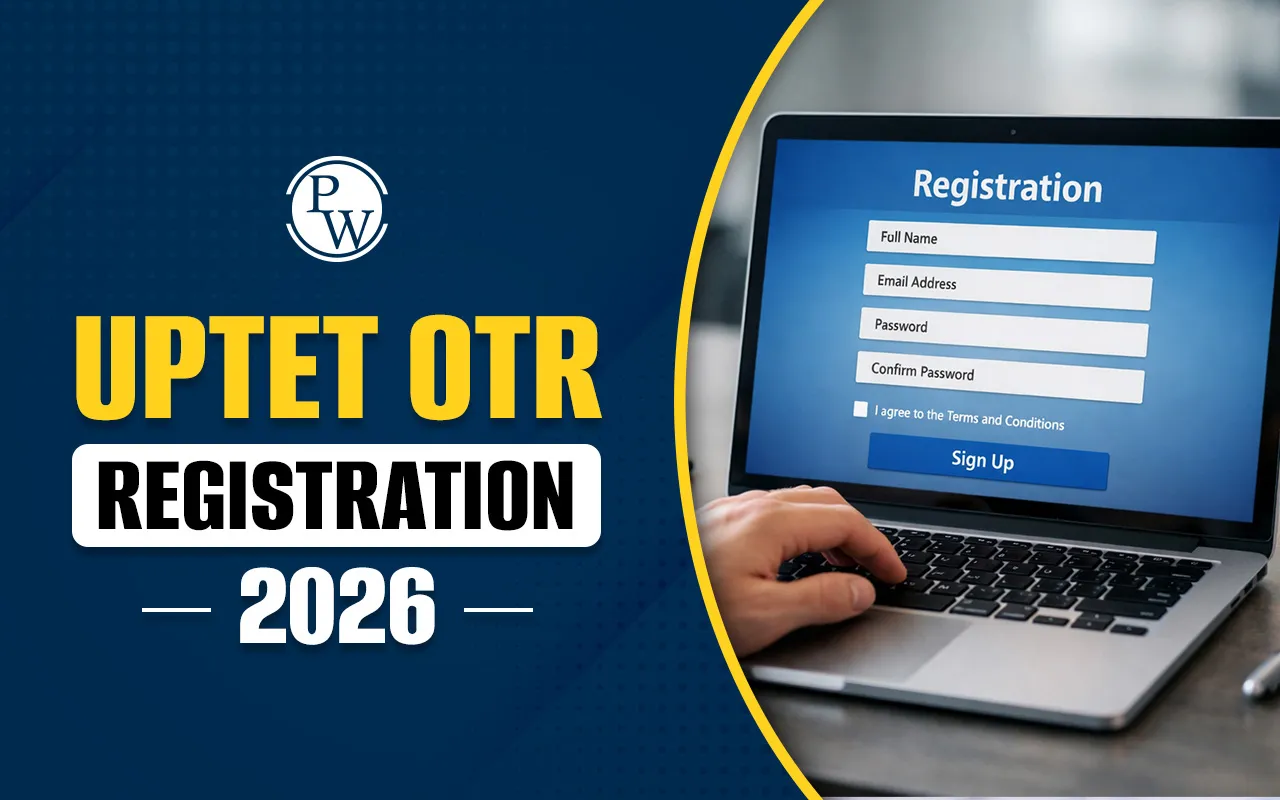
The UPTET OTR Registration 2026 is a mandatory step for candidates applying for the Uttar Pradesh Teacher Eligibility Test (UPTET). The One-Time Registration (OTR) process started on 27 March 2026, and as per the latest official notice dated 25 April 2026, the last date to complete registration and application has been extended to 03 May 2026.
Candidates must generate their OTR ID before filling out the UPTET Application Form. This system simplifies the process by storing candidate details for future use.
What is UPTET OTR Registration?
The One-Time Registration (OTR) is a system introduced by UPESSC to streamline the application process. Candidates need to:
-
Register once and generate a unique OTR ID
-
Use this ID for UPTET and other exams
-
Avoid repeated entry of personal details
OTR ensures accuracy, saves time, and improves transparency in the application process.
UPTET OTR Registration Manual Download PDF
The candidate should check the official manual PDF before registration. It explains all steps simply.
The PDF includes:
-
Registration steps
-
Login process
-
Verification process
-
Dashboard details
The candidate can download it from the official website and follow it.
UPTET OTR Registration Manual Download PDF
Apply Link for UPTET OTR Registration 2026
The Apply Link for UPTET 2026 OTR Registration is available on the official website. The candidate must visit the portal and complete registration online. After registration, an OTR number is generated. This number is required to fill the UPTET application form. Candidates should check all details carefully before submission.
Steps To Follow For UPTET OTR Registration 2026
Candidates should follow the steps for the UPTET OTR Registration 2026.
Step 1: Visit the Official Portal: Go to the official OTR website: https://otr.pariksha.nic.in/
Step 2: Registration (e-Form): Enter basic details such as Email ID, Mobile Number, Name, Gender, Category, Parents’ Name, Date of Birth, and Domicile State.
Step 3: Generate Login Credentials: After submitting the form, login credentials (OTR Number/Login ID) will be generated.
Step 4: Log in to the Account: Log in using Email ID, Mobile Number, or OTR Number through OTP or Password.
Step 5: Verify Details: Verify your Email ID and Mobile Number using the OTP sent to your registered contact details.
Step 6: Access Dashboard: After verification, access the dashboard to complete the remaining sections.
Step 7: Fill Personal Details: Enter complete personal and additional personal information.
Step 8: Add Academic Details: Candidates should educational qualifications and related details.
Step 9: Upload Documents: Upload a scanned photograph and signature as per the prescribed format.
Step 10: Review and Final Submission: Carefully check all entered details and submit the OTR form successfully.
UPTET Application Form 2026
Important Instructions for OTR Registration
-
After successful registration, an OTR number is generated.
-
Candidates can edit most of their details later.
-
However, some details cannot be changed.
-
These include the Mobile Number, Email ID, Home State, and Home District.
Required Documents for OTR Registration
-
Before starting registration, keep all documents ready.
-
Candidates need a valid Email ID and Mobile Number.
-
Candidates should educational certificates ready.
-
They also need a scanned passport-size photo and signature.
-
Carry a valid identity proof as well
UPTET OTR Registration 2026 FAQs
What is UPTET OTR Registration 2026?
Is OTR mandatory for UPTET 2026?
Where can a candidate do OTR registration?
Why was the UPTET OTR deadline extended?
What happens after OTR registration?
Can a candidate edit details after OTR?


Have questions about your prep?
Our experts can answer all your questions

 Live & recorded classes available at easeDashboard for progress trackingLakhs of practice questions

