






How to Learn Video Editing at Home in 2026: Step-by-Step Beginner Roadmap
 Mishika Gupta16 Sept, 2026
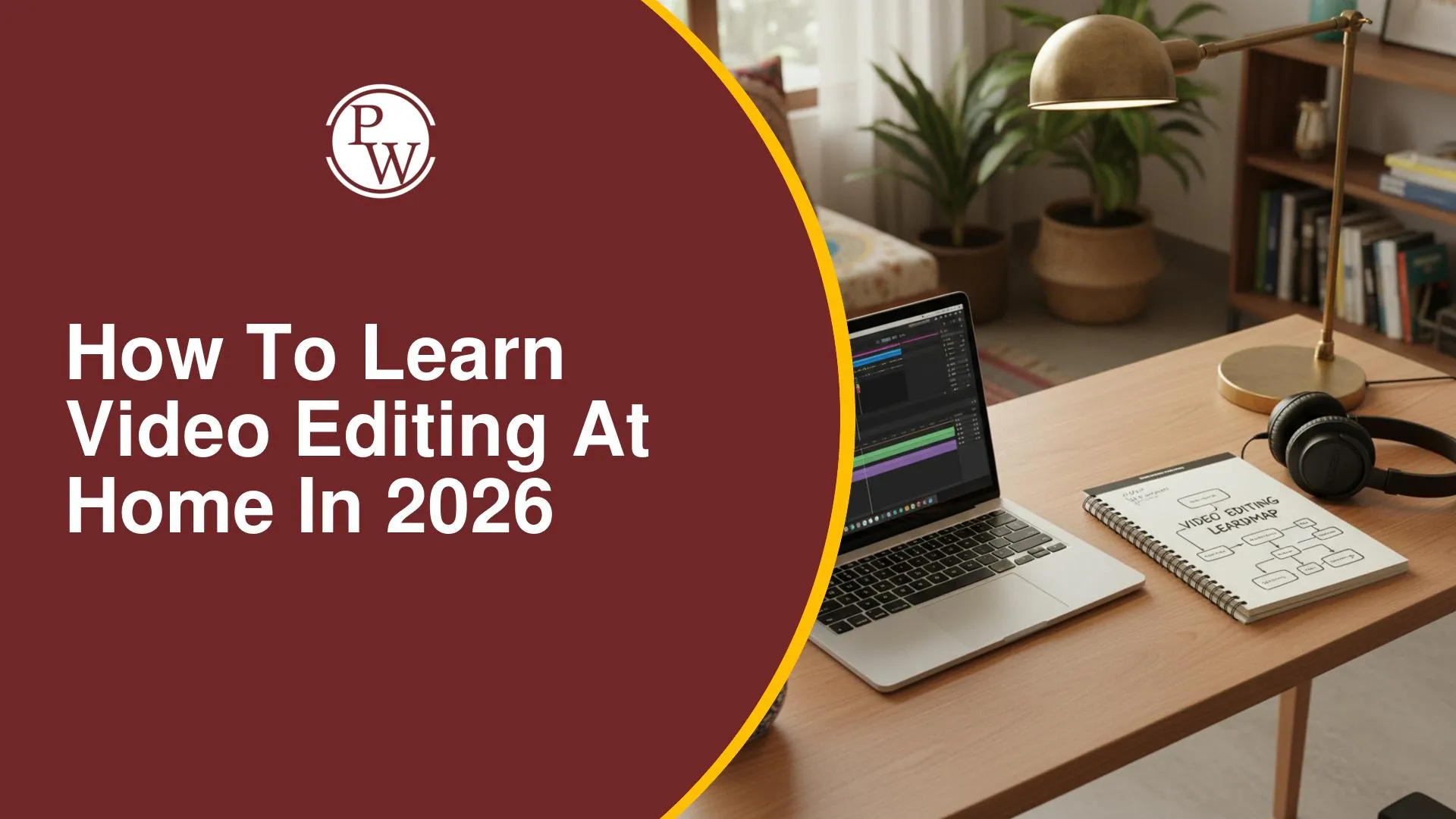
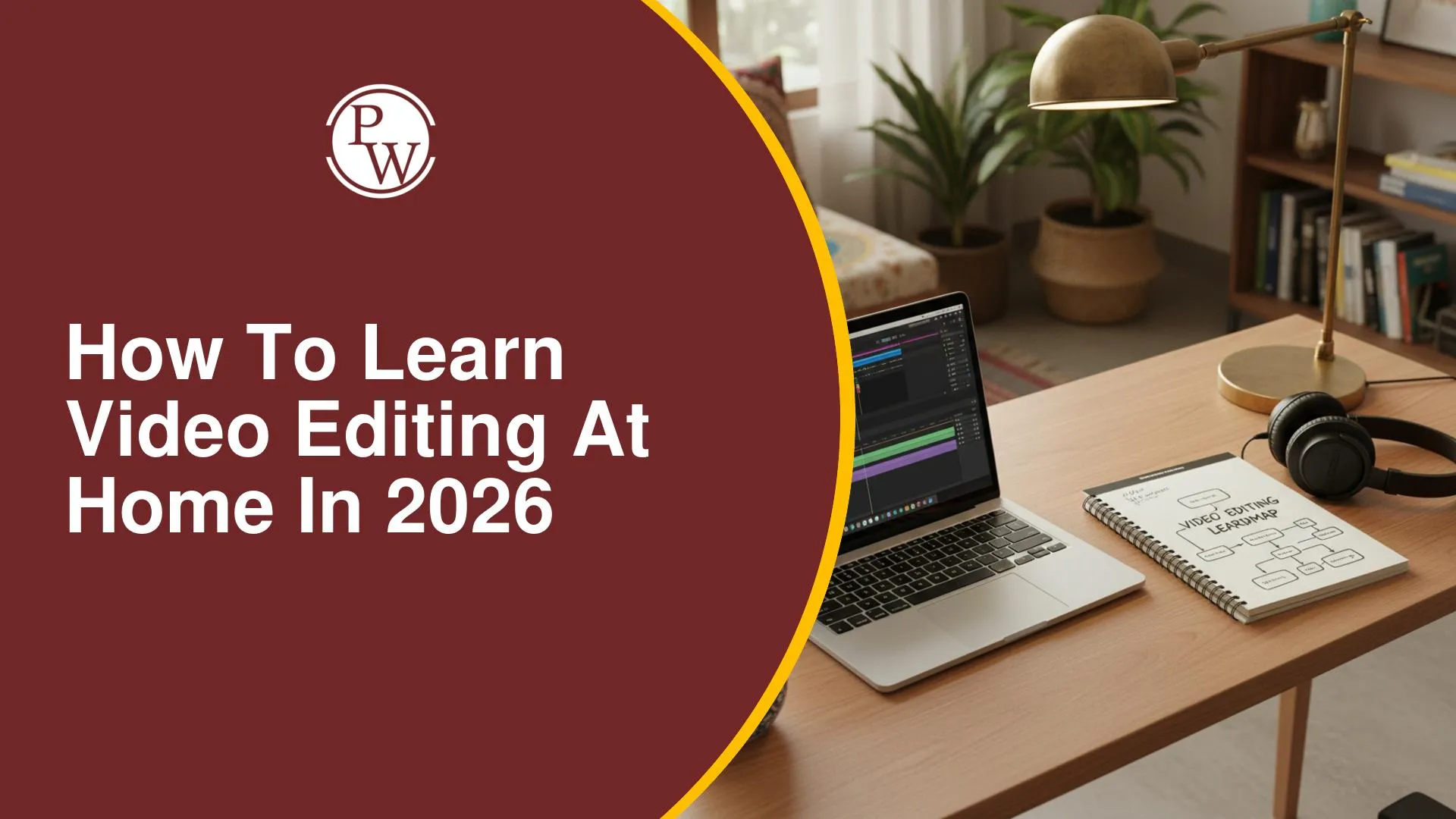
Learning video editing at home can feel confusing when thousands of tutorials recommend different software, shortcuts and editing styles. Many beginners spend weeks watching random videos without knowing what to learn first, which often leads to an incomplete understanding of editing fundamentals and slower progress.
A more effective approach is to learn through a clear roadmap – starting with cuts, sequencing and audio before moving to colour, motion graphics and AI-assisted editing. PW Earners' Video Editing with AI course follows this practical learning path with guided modules, projects and weekend classes, helping you develop editing skills step by step from home.
What Should You Learn Before Opening Any Editing Software?
Great editing begins with understanding how videos are put together, not with memorising software buttons. Learn these foundations before moving to advanced tools.
|
First Learn |
Why It Matters |
|
Storytelling |
Helps you arrange clips into a meaningful sequence |
|
Shot Sequencing |
Creates smooth visual transitions between scenes |
|
Pacing |
Keeps viewers engaged throughout the video |
|
Audio Editing |
Improves dialogue, music balance and overall clarity |
|
Colour Correction |
Gives footage a consistent and polished appearance |
These concepts apply whether you edit YouTube videos, Instagram Reels, documentaries or educational content.
Which Software Should Beginners Start With?
Instead of learning multiple editing applications together, choose one primary editor and become comfortable with its workflow first.
|
Software |
Best For |
|
Adobe Premiere Pro |
Complete desktop video editing and timeline workflow |
|
DaVinci Resolve |
Editing with powerful colour correction tools |
|
CapCut |
Quick vertical videos and beginner short-form editing |
For long-term learning, it is usually more effective to stay with one software until you understand cutting, audio, colour and exporting before exploring additional tools.
What Is the Best Step-by-Step Video Editing Roadmap?
A weekly learning plan makes home practice much more manageable. Each stage builds on the previous one instead of introducing everything at once.
|
Stage |
What to Focus On |
|
Week 1 |
Timeline, cuts, trimming and sequencing |
|
Week 2 |
Audio editing, music and dialogue cleanup |
|
Week 3 |
Transitions, pacing and smoother scene changes |
|
Week 4 |
Colour correction and visual consistency |
|
Week 5 |
Titles, captions and basic motion graphics |
|
Week 6 |
Export settings for YouTube, Instagram and Reels |
|
Weeks 7–8 |
Edit complete projects from raw footage to final delivery |
By the end of this roadmap, you should have several finished videos that demonstrate your editing progress rather than isolated practice exercises.
How Can You Practise Video Editing at Home?
The fastest way to improve is by editing complete projects instead of repeatedly watching tutorials. Each project helps you apply different editing techniques.
|
Practice Project |
Skills You Develop |
|
Travel Montage |
Cuts, music synchronisation and pacing |
|
Talking-Head Video |
Jump cuts, captions and audio balancing |
|
Instagram Reel |
Vertical editing and quick storytelling |
|
YouTube Short |
Strong opening hook and viewer retention |
|
Product Showcase |
Colour correction, transitions and text overlays |
Keep these practice habits consistent:
-
Edit at least one short project every week.
-
Use royalty-free footage while learning.
-
Watch your finished video twice before exporting.
-
Recreate edits you admire to understand pacing.
-
Save every completed project to build a portfolio.
How Can PW Earners Help You Learn Video Editing?
PW Earners' Video Editing with AI course combines desktop editing software with AI-assisted workflows, live classes and practical assignments for beginners.
|
Course Feature |
What You Learn |
|
Adobe Premiere Pro |
Professional timeline editing and sequencing |
|
After Effects |
Motion graphics, animation and visual effects |
|
DaVinci Resolve |
Colour correction and grading |
|
AI Editing Tools |
Captions, AI-assisted workflows and voice tools |
|
Practical Projects |
Portfolio-focused editing practice |
|
Assignments |
20 guided practice assignments |
|
Learning Format |
Live + recorded weekend classes over 8 months |
The course also includes weekend learning, recorded access, project-based practice and course validity till 20 June 2027, giving you time to revisit the modules while practising independently.
Building strong video editing skills takes consistent practice, not endless tutorials. Focus on mastering the fundamentals, complete real editing projects and gradually expand into colour, audio, motion graphics and AI workflows. PW Earners' Video Editing with AI offers a learning path with guided modules, practical assignments and portfolio-focused projects.
How to Learn Video Editing at Home in 2026 FAQ
Can I learn video editing at home as a beginner?
How long does it take to learn video editing?
Which software should beginners start with?
Do I need a laptop to learn professional video editing?


Have questions about your prep?
Our experts can answer all your questions

 Live & recorded classes available at easeDashboard for progress trackingLakhs of practice questions