
JEE Advanced 2027 On-Screen Calculator: Features, Rules & Updates


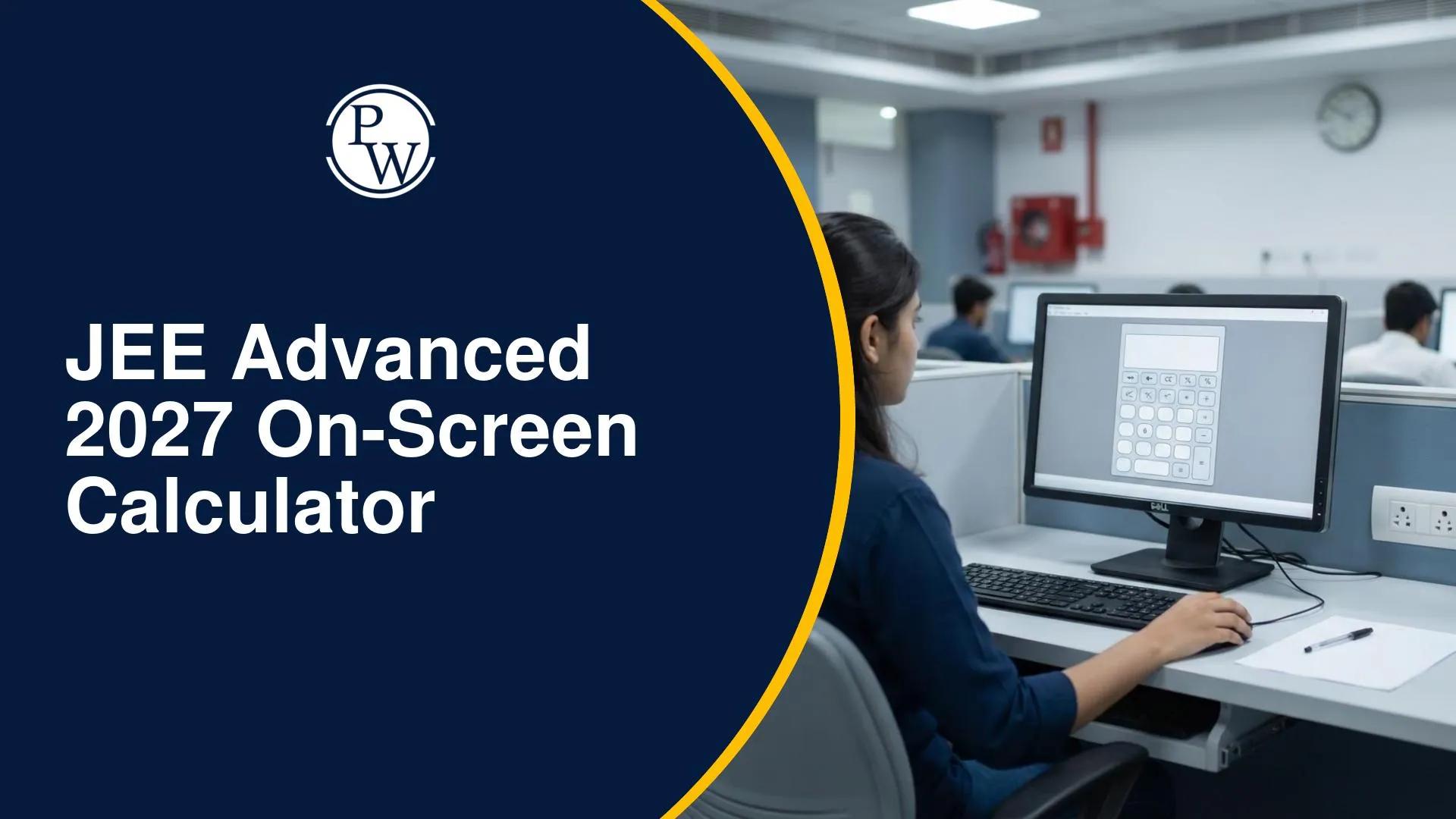
Candidates preparing for JEE Advanced 2027 will see a notable change in the examination: the introduction of an on-screen basic calculator, IIT Delhi, the organising institute for JEE Advanced 2027, has announced that candidates will be able to use a non-scientific calculator during the computer-based examination.
The calculator is reported to have a 10–12 digit display. This is an important update for aspirants who are used to performing all calculations manually. However, students should understand what the facility offers and which details are still awaited before changing their preparation strategy.
JEE Advanced 2027 On-Screen Calculator: Latest Update
IIT Delhi has announced the calculator facility for candidates appearing in JEE Advanced 2027. As reported on November 13, 2026, the examination will provide an on-screen basic, non-scientific calculator with a 10–12 digit display.
The facility will be available through the computer-based examination system. It is being reported as a first-time provision for JEE Advanced candidates.
The official JEE Advanced 2027 website has also been launched, with IIT Delhi identified as the organising institute. Candidates can use the website to check eligibility requirements and follow further examination announcements.
JEE Advanced 2027: Important Information
| Particulars | Details |
| Examination | JEE Advanced 2027 |
| Organising institute | IIT Delhi |
| Calculator facility | On-screen basic calculator |
| Calculator type | Non-scientific |
| Display | 10–12 digits |
| Examination mode | Computer-based examination |
| JEE Advanced 2027 Exam Date | May 23, 2027 (Sunday) |
| Detailed calculator instructions | Awaited in the examination instructions/information brochure |
| Official website | https://jeeadv.ac.in/ |
The examination date and organising institute are confirmed on the official JEE Advanced 2027 website. The calculator specifications have been reported in the November 13, 2026 announcement coverage.
What Is an On-Screen Calculator in JEE Advanced 2027?
An on-screen calculator is a calculator displayed directly on a computer screen. Candidates can access it through the examination interface, subject to the instructions provided by the examination authority.
Unlike a physical calculator, it is not a separate device that candidates bring to the examination centre. It is integrated into the computer-based test environment.
For JEE Advanced 2027, the announced facility is described as a basic, non-scientific calculator. This means candidates should not assume that it will offer the advanced mathematical functions available on scientific calculators.
The exact calculator layout, button arrangement and operating instructions have not yet been detailed in the announcement. Candidates should check the official examination brochure and instructions when they are released.
Features of JEE Advanced 2027 On-Screen Calculator
The announced calculator facility has three important aspects: basic calculations, a 10–12 digit display and a non-scientific format.
Basic Mathematical Operations
A basic calculator is generally used for routine arithmetic operations. These may include:
-
Addition
-
Subtraction
-
Multiplication
-
Division
These operations can be useful when candidates need to check numerical calculations while solving Physics, Chemistry or Mathematics questions.
However, the official announcement has not yet provided a complete list of calculator buttons or functions. The exact operations available should be confirmed through the official interface instructions.
10–12 Digit Display
The JEE Advanced 2027 on-screen calculator is reported to have a display capacity of 10–12 digits.
A multi-digit display can help candidates view longer numerical results without immediately losing the digits displayed. This may be useful when working with calculations involving larger values or decimal numbers.
The exact behaviour for rounding, decimal places and number entry has not yet been specified. Candidates should wait for the official instructions instead of assuming how the calculator will handle these settings.
Non-Scientific Calculator
The calculator provided during JEE Advanced 2027 will be basic and non-scientific.
A scientific calculator generally includes advanced functions such as trigonometry, logarithms, powers, roots and other mathematical operations. These functions have not been confirmed for the JEE Advanced on-screen calculator.
Students should therefore prepare with the understanding that the facility is intended for basic calculations, not as a replacement for mathematical concepts or problem-solving methods.
How to Use the On-Screen Calculator in JEE Advanced 2027?
The detailed operating instructions for the JEE Advanced 2027 calculator are awaited. The exact position of the calculator icon, its layout and the method of entering values will be known once the official examination interface instructions are published.
Until then, candidates can understand the expected process of using an on-screen calculator in a computer-based examination:
-
Log in to the examination system using the credentials and instructions provided at the examination centre.
-
Open the calculator option if it is made available in the test interface.
-
Enter the required numerical values using the available on-screen controls.
-
Select the required basic arithmetic operation.
-
Check the displayed result and use it while solving the question.
-
Close or minimise the calculator if the examination interface provides that option.
These are general steps for using an on-screen calculator, not confirmed JEE Advanced 2027 operating instructions. Candidates should follow the actual interface and examination-centre directions.
Is a Physical Calculator Allowed in JEE Advanced 2027?
The announcement specifically mentions an on-screen calculator. It does not state that candidates can bring their own physical calculators to the examination centre.
An on-screen facility and permission to carry a personal calculator are two different things. Candidates should not interpret the new announcement as permission to bring a calculator from home.
Until IIT Delhi releases the complete examination-day instructions, students should avoid carrying personal calculators and follow the rules mentioned in the official admit card and information brochure.
Candidates should also check the list of permitted and prohibited items before appearing for the examination.
On-Screen Calculator vs Scientific Calculator
The JEE Advanced 2027 calculator is described as a basic, non-scientific calculator. The following comparison explains the difference between the two types.
| Feature | Basic On-Screen Calculator | Scientific Calculator |
| Addition | Basic operation | Available |
| Subtraction | Basic operation | Available |
| Multiplication | Basic operation | Available |
| Division | Basic operation | Available |
| Trigonometric functions | Not confirmed | Usually available |
| Logarithmic functions | Not confirmed | Usually available |
| Advanced mathematical functions | Not confirmed | Usually available |
| Display | Reported as 10–12 digits | Varies by model |
| Usage in JEE Advanced 2027 | Announced | Not announced |
The comparison is based on the reported description of the JEE Advanced 2027 calculator. The exact list of available functions will depend on the official examination interface.
How Will the Calculator Facility Affect JEE Advanced 2027 Preparation?
The introduction of an on-screen calculator may change how candidates approach some numerical calculations. However, it does not remove the need for strong conceptual understanding or calculation practice.
Students should continue preparing for Physics, Chemistry and Mathematics with a focus on accuracy, problem-solving ability and time management.
1. Continue Practising Manual Calculations
Do not stop practising calculations by hand. JEE Advanced questions test the application of concepts, and a calculator cannot identify the correct formula or decide which method should be used.
Students should continue solving numerical problems manually during regular practice.
2. Improve Your Problem-Solving Speed
The calculator may assist with basic arithmetic, but students still need to understand the question, select the right approach and complete the required steps.
Practise solving questions within a time limit so that you can manage both conceptual and calculation-related work efficiently.
3. Focus on Conceptual Clarity
The availability of a basic calculator does not make difficult questions easier automatically. Students must still understand the underlying concepts in Physics, Chemistry and Mathematics.
Spend time understanding formulas, derivations, reactions and problem-solving methods rather than depending on calculation tools.
4. Practise Numerical Questions Regularly
Include numerical questions from all three subjects in your daily routine. Work on identifying the given values, selecting the correct formula and checking whether your final answer is reasonable.
This will help you use the calculator effectively, if required, without wasting time during the examination.
5. Familiarise Yourself with the Examination Interface
Once the official calculator demonstration or mock test becomes available, practise using the interface. Students should understand how to access the calculator and enter values without spending too much time navigating the screen.
Do not assume that the actual calculator will have the same layout as an ordinary mobile or desktop calculator.