
AILET 2027 Photo Size & Signature: Dimensions, Format & Guidelines
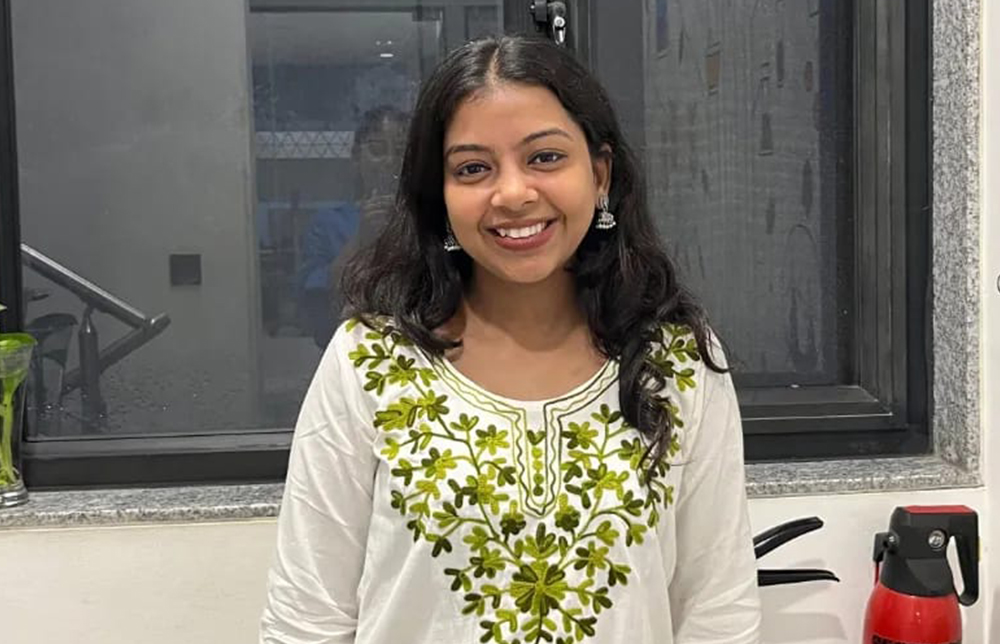


Uploading the correct photograph and signature is an important step while filling the AILET 2027 application form. If the uploaded images do not meet the specifications prescribed by National Law University (NLU), Delhi, the application may remain incomplete or face issues during verification.
Before submitting the application, candidates should carefully check the required photo size, signature specifications, image format, and other upload instructions to ensure a smooth application process.
AILET 2027 Photo Size & Signature Specifications
Candidates must upload a passport-size photograph and scanned signature as per the official guidelines issued by NLU Delhi.
|
Document |
Official Requirement |
|
Photograph |
Passport-size coloured photograph with white background |
|
Photograph Size |
Maximum 1 MB |
|
Photograph Format |
JPG / JPEG / PNG |
|
Signature |
Scanned signature on white paper |
|
Signature Box Size |
6 × 3 cm (Width × Height) |
|
Signature Size |
Maximum 1 MB |
|
Signature Format |
JPG / JPEG / PNG |
AILET 2027 Photograph Guidelines
Candidates should follow these instructions while uploading their passport-size photograph:
-
Upload a passport-size coloured photograph with a white background.
-
The photograph size should not exceed 1 MB.
-
The image must be in .jpg, .jpeg, or .png format.
-
The candidate should not wear a cap or goggles while taking the photograph. Spectacles are permitted.
-
The candidate's face should cover approximately 75% of the photograph.
-
The photograph should clearly display the candidate's face in the preview box before submission.
-
Candidates should keep two identical passport-size photographs for future use during the Entrance Test, Counselling, or Admission process if required.
AILET 2027 Signature Specifications
Candidates must upload their scanned signature according to the prescribed specifications.
-
The signature should be made on a white paper sheet.
-
The signature should be written within a box measuring 6 × 3 cm (Width × Height).
-
Use Black or Blue pen for signing.
-
The signature should be clear and without overwriting.
-
The scanned signature should not exceed 1 MB.
-
The file should be uploaded only in .jpg, .jpeg, or .png format.
-
Ensure that the signature is clearly visible in the preview box before submitting the application.
Documents to Upload While Filling the AILET 2027 Application Form
Along with the photograph and signature, candidates may need to upload additional documents depending on their category.
|
Document |
Maximum File Size |
|
Photograph |
1 MB |
|
Signature |
1 MB |
|
BPL Certificate (if applicable) |
2 MB |
|
Passport (Foreign National category) |
2 MB |
|
PWD Certificate (if claiming reservation) |
2 MB |
Documents Required During AILET 2027 Counselling and Admission
Candidates will be required to produce the following original documents during the admission or counselling process:
-
Marks Statement of Class X and Class XII (for B.A. LL.B. (Hons.))
-
Latest Character Certificate
-
Transfer Certificate
-
Valid SC/ST/OBC/EWS/Persons with Disability certificate (wherever applicable)
Important Instructions for Uploading Photograph and Signature
Candidates should keep the following points in mind while completing the application form:
-
Carefully verify all details before submitting the application.
-
After submission, candidates can review the application using the "View Submitted Application Form" option.
-
If incorrect details have been submitted, the application form can be deleted, filled again, and resubmitted.
-
However, candidates who have selected "Yes" for the BPL category under SC/ST cannot delete the application once it has been submitted.
-
Candidates are solely responsible for any errors or omissions in the application form.
-
After successful payment of the application fee through Debit Card, Credit Card, UPI, Net Banking, or other available payment modes, an acknowledgement receipt will be generated.
-
An Application Number is generated once the application form is successfully saved as a draft or submitted.
FAQs
1. What is the maximum photo size allowed for AILET 2027?
2. What should be the background of the AILET 2027 photograph?
3. What is the required size for the AILET 2027 signature?
4. Which image formats are accepted for the AILET 2027 photo and signature?